
A website redesign is an exciting milestone for any business. It’s an opportunity to modernize your brand, improve user experience (UX), and implement the latest web technologies. However, for many business owners, this excitement is often overshadowed by a very real fear: “Will I lose my Google rankings?”
The fear is justified. We have seen companies spend months on a beautiful new aesthetic, only to watch their organic traffic plummet by 50% or more within weeks of launching. This happens because Google doesn’t see your “pretty new buttons”—it sees a massive change in site architecture, URL structures, and content hierarchies. If you don’t provide a roadmap for the search engines, they will assume your old, high-ranking pages have simply vanished.
At Code Nest, we treat a redesign as a “Site Migration.” Whether you are moving from WordPress to a Headless CMS or simply refreshing your Shopify theme, you must follow a strict website redesign seo checklist to protect your digital equity.
Why Redesigns Often Kill SEO
Search engines rank individual pages, not just websites. Over years of operation, your pages have built up “authority” through backlinks, internal linking, and user engagement. When you redesign, you often change the URL of a page (e.g., from /our-services to /services).
If you don’t tell Google that the old page has moved to the new one, all that authority is lost. Google hits a 404 error, assumes the content is gone, and removes you from the search results. A redesign without an SEO strategy is like moving to a new house but forgetting to forward your mail.
Phase 1: The Pre-Launch Audit
Before a single line of code is written for your new site, you must document what is currently working. You cannot protect what you haven’t measured.
1. Identify Your “Power Pages”
Use Google Search Console or Ahrefs to identify your top-performing pages. These are the pages that drive the most traffic and hold the most backlinks. These pages are your “crown jewels.” During the redesign, these pages should undergo the least amount of structural or content change possible to ensure they maintain their rank.
2. Crawl Your Current Site
Use a tool like Screaming Frog to create a complete map of your existing URL structure. This crawl serves as your master list. You will need this to ensure every single old URL has a “home” on the new site.
Phase 2: The 301 Redirect Map (The Most Critical Step)
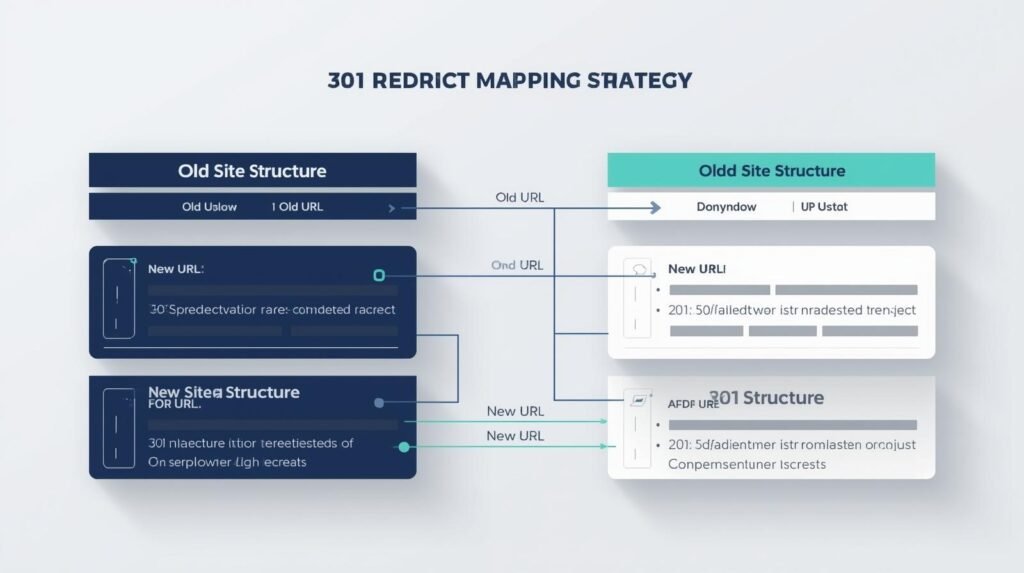
If you ignore everything else in this guide, do not ignore this. A 301 redirect is a permanent instruction to a browser and search engine that a page has moved.
As part of your website redesign seo checklist, you must create a spreadsheet that maps:
- Column A: The Old URL
- Column B: The New, Corresponding URL
If a page on the old site is being deleted and has no equivalent on the new site, you should redirect it to the most relevant category page or, as a last resort, the homepage. Never let an old URL lead to a 404 error if it previously had traffic or backlinks.
Phase 3: Content and Metadata Preservation
It is tempting to rewrite every word of your website during a redesign. From a brand perspective, this makes sense. From an SEO perspective, it’s a gamble.
If a page is already ranking #1 for a specific keyword, it’s because Google likes the current content, the H1 tags, and the keyword density. If you completely rewrite that page, you are essentially starting from scratch.
Code Nest Strategy: Keep your high-performing content largely intact during the initial launch. Once the new site is indexed and rankings are stable, you can begin making incremental content updates. Furthermore, ensure that your Meta Titles and Descriptions are migrated to the new site. Losing these “behind-the-scenes” snippets can lead to a massive drop in Click-Through Rate (CTR) from the search results.
Phase 4: Technical SEO in the New Build
A redesign is the perfect time to fix the “technical debt” of your old site. To ensure Google favors the new version, focus on these three pillars:
1. Site Speed and Core Web Vitals
Google now uses page speed as a primary ranking factor. If your new design is beautiful but uses massive, unoptimized images and heavy JavaScript, your rankings will suffer. At Code Nest, we prioritize “Performance-First Design,” ensuring your new site scores in the green on Google’s PageSpeed Insights from day one.
2. Mobile-First Indexing
Google looks at the mobile version of your site to determine your rankings. Ensure that your new design isn’t just “responsive,” but truly optimized for mobile users. Elements shouldn’t be too close together, and the font should be legible without zooming.
3. XML Sitemaps and Robots.txt
When you launch, you need to provide Google with a new “map” (the XML sitemap) so it can find your new pages quickly. Simultaneously, ensure your robots.txt file isn’t accidentally blocking search engines—a common mistake made in staging environments that is often forgotten during the live push.
Phase 5: Post-Launch Monitoring

The work doesn’t end when you hit “Publish.” The first 14 days after a redesign are critical.
- Monitor Search Console: Look for a spike in “404 Errors.” This indicates a redirect was missed.
- Track Rankings: Use a rank-tracking tool to monitor your top 20 keywords. Small fluctuations are normal (the “Google Dance”), but a steady decline over a week indicates a structural SEO issue.
- Check the “Site:” Command: Type site:yourdomain.com into Google. This shows you how many of your new pages have been indexed. If the number is significantly lower than your old site, there is a crawlability issue.
Conclusion: Don’t Leave SEO to Chance
A website redesign should be a springboard for growth, not a cause for a traffic collapse. By treating SEO as a foundational requirement rather than an afterthought, you can enjoy your new aesthetic while continuing to dominate the search results.
Many agencies focus purely on the “look” of a site. At Code Nest, we are developers and SEO strategists. We ensure that your technical migration is flawless, your redirects are airtight, and your new site is faster and more visible than the one it replaced.
Planning a redesign and worried about your traffic? Contact Code Nest today for a professional SEO migration audit. We’ll help you transition your site without losing a single ranking.
Leave a Reply