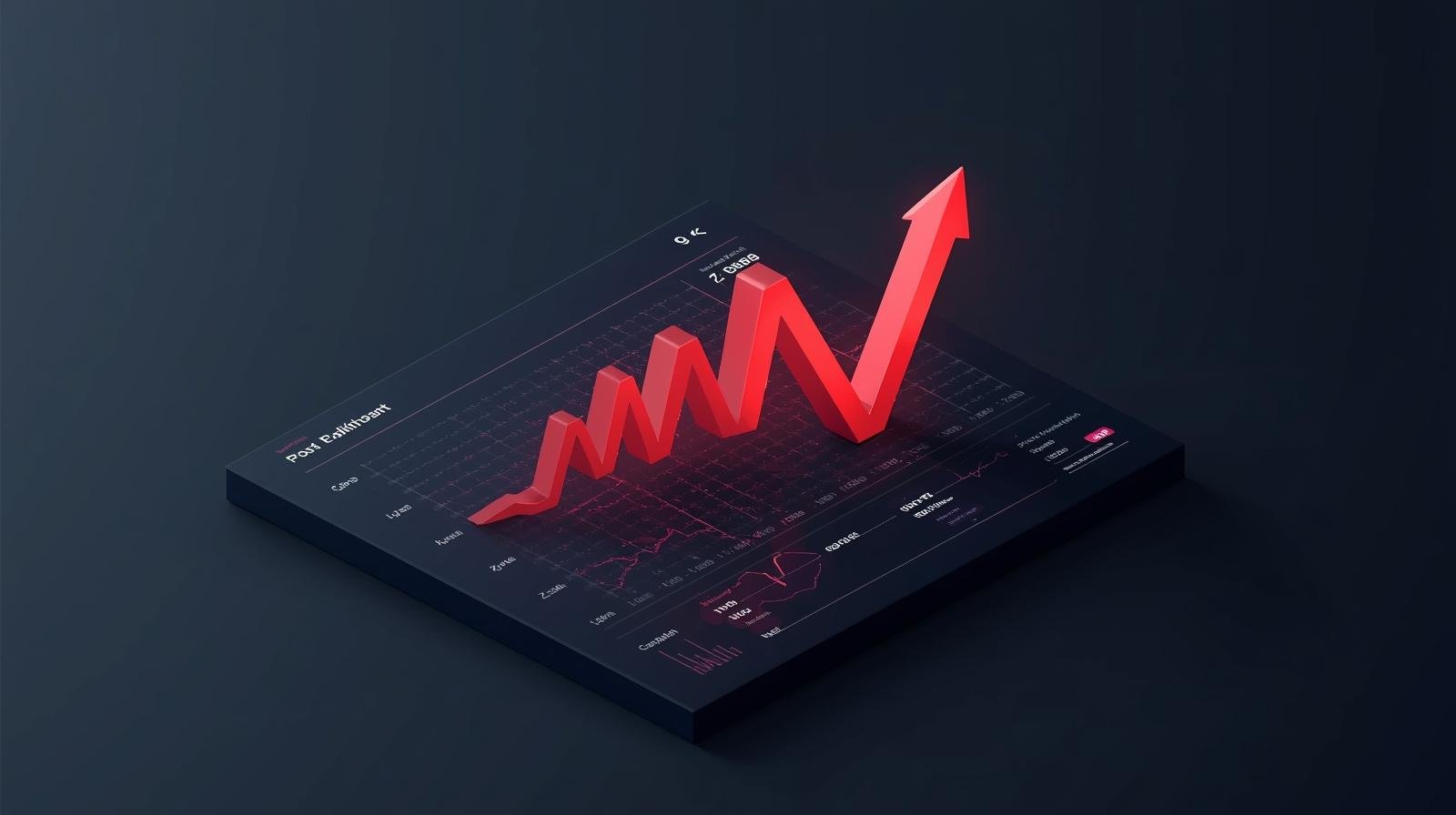
A website crash during a high-stakes sales event is a nightmare scenario for any online retailer. When traffic surges during Black Friday, a product launch, or a viral social media campaign, your infrastructure faces a sudden, violent stress test. If it fails, you aren’t just losing immediate sales; you are damaging your brand reputation and wasting the marketing budget spent to drive that traffic in the first place.
For growing e-commerce brands, moving from “stable” to “scalable” requires a fundamental shift in how you view your digital architecture. Whether you are running a high-volume Shopify store or a custom-built React application, the goal remains the same: ensuring the system remains responsive even when thousands of users hit the “Add to Cart” button simultaneously.
Why Traditional Hosting Fails Under Pressure
Most standard hosting plans are built for “average” days. They operate on a fixed resource model, meaning you have a set amount of CPU, RAM, and bandwidth. When your traffic exceeds these limits, the server queues up requests. If the queue becomes too long, the server timed out, resulting in the dreaded “504 Gateway Timeout” or a total site collapse.
In high-traffic e-commerce hosting, “average” doesn’t matter. What matters is your “peak” capacity. If your baseline is 500 users a day but your peak is 50,000 users in an hour, a traditional server setup will buckle within seconds. Scalability is the ability of your system to handle that 100x increase without a drop in performance.
The Architecture of Scale: Cloud vs. Legacy
To prevent crashes, the architecture must be elastic. This is where cloud-based infrastructure outperforms legacy VPS or dedicated servers.
1. Auto-Scaling Groups
In a modern cloud environment (like AWS or Google Cloud), we utilize auto-scaling. Instead of one giant server trying to handle everything, the system monitors traffic in real-time. As the load increases, the infrastructure automatically spins up additional “instances” or virtual servers to share the load. When the traffic dies down, these instances are decommissioned to save costs.
2. Load Balancing: Distributing the Weight
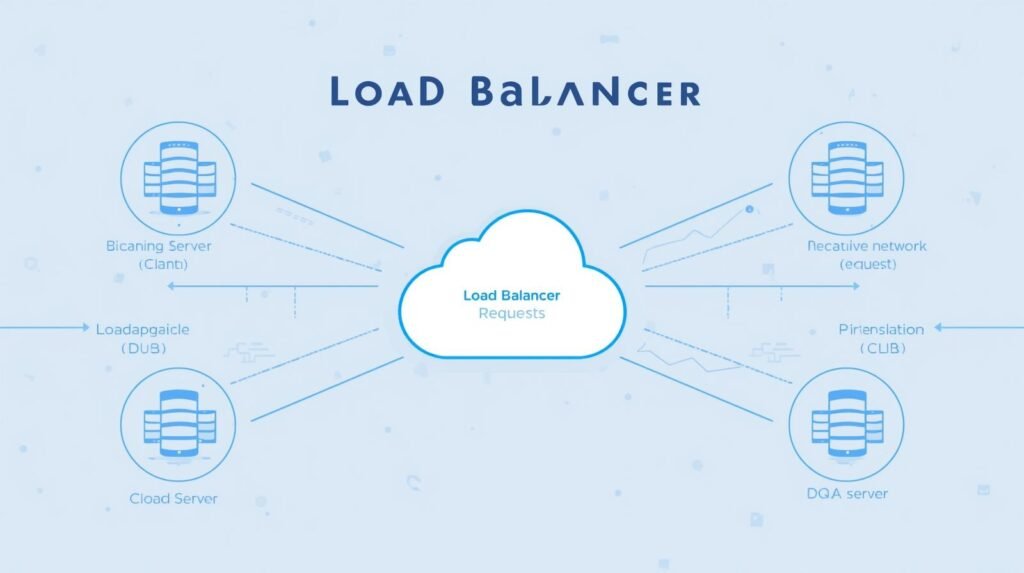
A load balancer acts as a traffic cop. It sits in front of your servers and distributes incoming requests across multiple healthy server instances. This prevents any single server from becoming a bottleneck. If one server fails, the load balancer identifies the issue and redirects traffic to the remaining functional servers, ensuring 100% uptime for the end user.
3. Database Optimization
Often, the website crash doesn’t happen at the “front” of the house; it happens in the database. Every time a user views a product, checks out, or updates their cart, a database query is made. During peak times, these queries can stack up. Implementing database “sharding” or using high-performance managed databases like Amazon Aurora ensures that the data layer scales alongside the web layer.
Shopify vs. Custom Builds: Different Paths to Stability
The strategy for preventing crashes depends heavily on your platform.
The Shopify Approach
Shopify is a SaaS (Software as a Service) platform, meaning they handle the core infrastructure for you. For most merchants, this is a massive advantage. Shopify’s environment is designed to handle massive global spikes.
However, even Shopify stores can “crash” in a sense. The bottleneck usually isn’t the server; it’s the third-party apps. If you have a poorly coded “frequently bought together” app or a complex checkout customizer, those external scripts can slow down your site until it becomes unusable. For high-volume Shopify brands, Code Nest focuses on “app audits” and custom Liquid optimization to ensure the frontend remains lean and fast.
The Custom Build Approach (React / Next.js / Headless)
For brands that require custom functionality, a “headless” or custom build offers the most control. By separating the frontend from the backend (Decoupled Architecture), we can host the frontend on a Global Content Delivery Network (CDN).
In this setup, the actual “pages” of your store are served from servers physically close to the user. This takes nearly all the load off your primary server. The only time the system talks to the database is for dynamic actions like inventory checks or final payments. This is the gold standard for enterprise-level e-commerce.
The Pre-Peak Checklist: Preparing for the Storm
Prevention starts weeks before the sale begins. At Code Nest, we guide our clients through a rigorous preparation phase.
- Load Testing (Stress Testing): We use tools to simulate thousands of virtual users hitting your site at once. This reveals exactly where the system breaks—whether it’s the checkout API, the search bar, or the image server.
- Content Delivery Network (CDN) Configuration: Ensure that all heavy assets (product images, videos, CSS files) are cached on the “edge.” This ensures your main server only handles essential data.
- Code Freezes: Two weeks before a major event, you should implement a code freeze. No new features, no new apps, and no major design changes. This ensures the environment remains stable.
- Third-Party Script Audit: Every tracking pixel, chat bot, and analytics script adds a millisecond of delay. During peak traffic, these milliseconds compound. Disable anything that isn’t mission-critical for the sale.
The Role of Caching in E-Commerce Stability
Caching is perhaps the most effective tool in the high-traffic e-commerce hosting arsenal. By storing a “snapshot” of a page, the server doesn’t have to rebuild that page every time a user visits.
For a product page that doesn’t change frequently, the server can serve a cached version in a fraction of a second. This reduces the CPU load on your hosting environment by up to 90%. Implementing intelligent caching—where the system knows exactly when to refresh the cache (like when a product goes out of stock)—is what separates professional builds from amateur ones.
Post-Peak Analysis: Learning from the Spike
Once the sales event is over, the work isn’t done. Analyzing the server logs and traffic patterns is essential for the next scale-up. Did the mobile app users experience more lag than desktop users? At what exact number of concurrent users did the checkout start to slow down?
This data allows us to refine the infrastructure, making it more resilient and cost-effective for the next surge.
Partnering for Scale

Scaling an e-commerce business is a sign of success, but it brings technical challenges that can threaten that very success. You shouldn’t be worried about your server status while you’re trying to manage inventory and fulfillment.
Code Nest provides the technical backbone for growing brands. Whether you need a Shopify optimization audit or a custom-built, auto-scaling headless e-commerce solution, we ensure your site stays online when it matters most.
Is your infrastructure ready for your next big sale? Contact Code Nest for a comprehensive site audit and performance optimization plan.
Leave a Reply