WordPress powers over 43% of all websites on the internet. For business owners, that popularity is a double-edged sword. On one hand, you have access to a massive ecosystem of plugins and developers; on the other, your site becomes a high-value target for hackers. Because the core code is open-source, once a vulnerability is discovered, automated bots crawl the web to find every site that hasn’t updated their systems yet.
A hacked website is more than a technical nuisance. It is a full-scale business crisis. Within minutes of a breach, your Google rankings can disappear as the “This site contains malware” warning drives customers away. Your server can be blacklisted by email providers, and in the worst cases, sensitive customer data can be leaked.
Securing a business website requires moving beyond “installing a plugin and hoping for the best.” It requires a layered approach to defense, starting with the very foundation of your site: secure wordpress website hosting.
Why WordPress is Target Number One
It is a common misconception that WordPress is “insecure” by nature. In reality, the core WordPress software is incredibly well-maintained by a global security team. The vast majority of breaches occur due to user error or negligence.
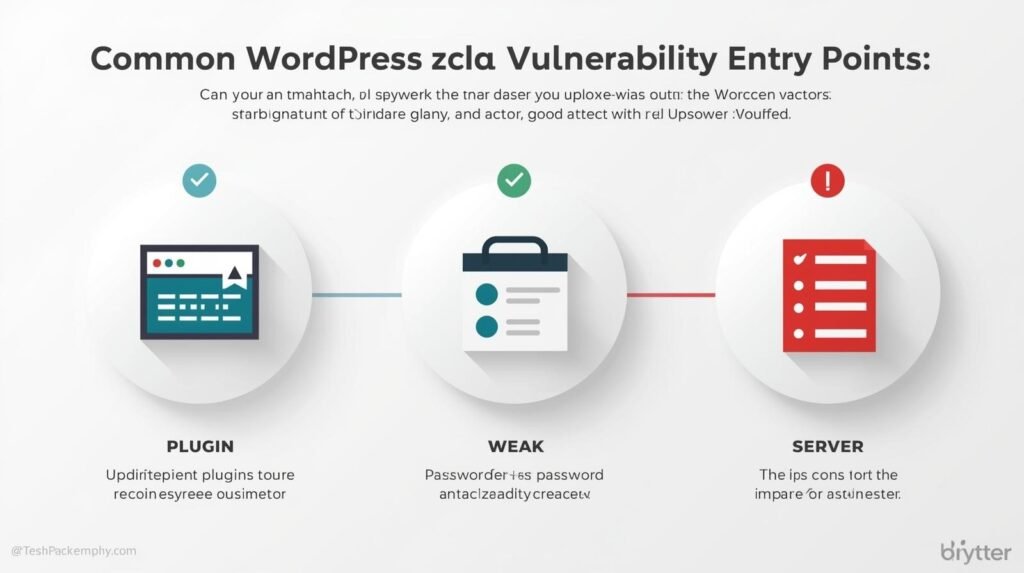
The primary points of entry for attackers usually fall into three categories:
- Vulnerable Plugins and Themes: Outdated or poorly coded additions to the site are responsible for nearly 55% of all WordPress hacks.
- Weak Credentials: Simple passwords and a lack of Two-Factor Authentication (2FA) make brute-force attacks easy for automated scripts.
- Low-Quality Hosting: Inexpensive, “unmanaged” shared hosting environments often lack the server-side firewalls and isolation needed to prevent a hack on one site from jumping to another on the same server.
The Foundation: Secure WordPress Website Hosting
If you are running your business on a $3-a-month shared hosting plan, you are effectively leaving your front door unlocked. In a “Shared” environment, you are grouped with hundreds of other sites. If a site three folders over is compromised, an attacker can sometimes exploit server configurations to “jump” into your directory.
This is where managed wordpress hosting benefits become apparent. At Code Nest, we recommend (and provide) managed environments because they move the security burden away from the software and toward the server.
A secure hosting provider provides:
- Web Application Firewalls (WAF): These analyze incoming traffic and block suspicious IP addresses or known attack patterns before they even reach your site.
- Isolated Environments: Each site is containerized, ensuring that even if one site is compromised, the “infection” cannot spread.
- Daily Automated Backups: Security is about resilience. If a hack occurs, having a clean, off-site backup allows you to restore your business in minutes rather than days.
- Automated Security Patching: Secure hosts automatically patch core WordPress software to close known vulnerabilities as soon as they are announced.
Hardening the Interior: Best Practices
Once you have secured your foundation with high-tier hosting, you must focus on the “hardening” of the application itself. These are the proactive steps our developers take during any WordPress maintenance project.
1. Eliminating Entry Points (The Minimalist Approach)
The simplest way to stay secure is to reduce the surface area an attacker can hit. If a plugin hasn’t been used in three months, delete it. If a theme is sitting inactive, remove it. Every piece of code on your server is a potential door; keep as many doors shut as possible.
2. Disabling XML-RPC
XML-RPC is a legacy feature that allows WordPress to communicate with external apps. Unfortunately, it is one of the most common ways attackers launch “DDoS” attacks and brute-force login attempts. For most modern businesses, this feature is unnecessary. Disabling it is a standard security protocol that prevents a massive volume of malicious traffic.
3. Change the Default Database Prefix
Most WordPress installations use wp_ as the default prefix for all database tables. Hackers know this. Changing your database prefix to something random and unique makes SQL injection attacks significantly harder for automated bots to execute.
4. Implementation of 2FA and Secure Salts
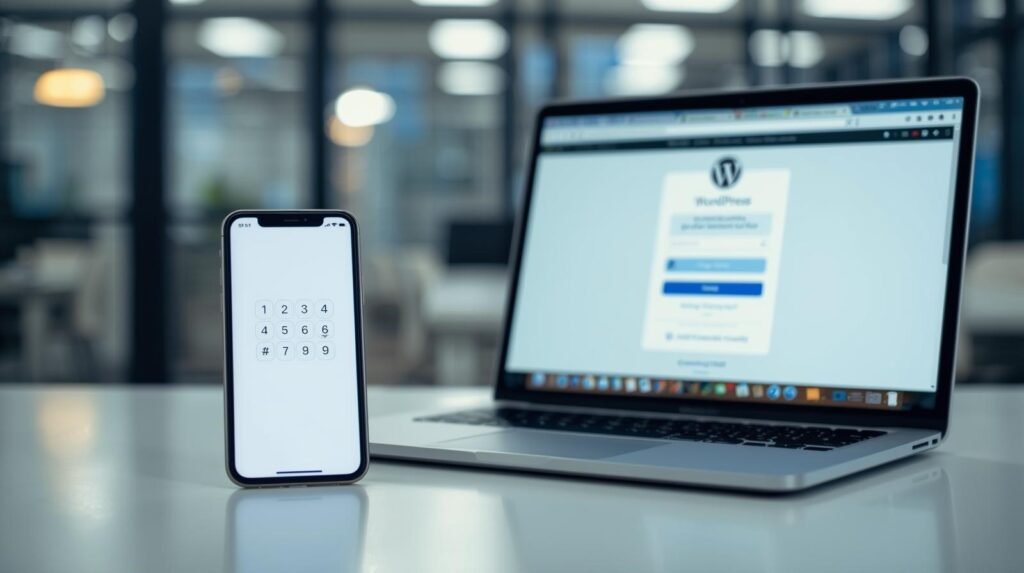
“Password123” is no longer the only risk. Even strong passwords can be intercepted. Implementing Two-Factor Authentication (2FA) via an app like Google Authenticator ensures that even with a stolen password, an attacker cannot gain access. Furthermore, updating your “Salt Keys” within your wp-config.php file encrypts your users’ login cookies to an enterprise standard.
The Role of SSL and Encrypted Data
Every business website, without exception, needs an SSL (Secure Sockets Layer) certificate. Not only is it a Google ranking factor, but it is also the mechanism that encrypts the data traveling between your customer’s browser and your server.
When you use secure wordpress website hosting, SSL should be integrated automatically. Without it, any information typed into a contact form or checkout page—credit card details, names, addresses—is sent as plain text that can be intercepted by anyone on the network.
Monitoring and “Early Warning” Systems
A professional security strategy includes “Event Logging.” You need to know when someone tries to log in incorrectly five times in a row, or when a file is modified unexpectedly.
Plugins like Wordfence or iThemes Security provide this layer of oversight. They act as the “Security Cameras” of your digital property. At Code Nest, we utilize centralized monitoring to keep an eye on all our client sites simultaneously, allowing us to proactively block threats before the business owner is even aware of an issue.
What to Do if You Are Already Hacked
If your site is redirecting to strange URLs, showing spammy content, or being flagged by browsers, you are likely the victim of a malware infection. Do not attempt a “quick fix” by simply deleting a suspicious file.
Malware often leaves “backdoors”—hidden scripts that allow the attacker to re-enter your site an hour after you think you’ve cleaned it. WordPress malware removal should always be handled by professionals who can perform a “Clean Install,” scrubbing your database and replacing core files with verified copies.
Conclusion: Security as an Investment
You wouldn’t open a brick-and-mortar retail store without locks, cameras, and insurance. Your website deserves the same level of respect. By choosing secure wordpress website hosting and implementing professional hardening tactics, you are protecting your brand’s reputation and your customers’ trust.
Security is not a one-time setup; it is a persistent commitment. It involves staying vigilant, keeping systems updated, and understanding that as hackers get smarter, your defenses must evolve alongside them.
Is your website vulnerable to an attack? Contact Code Nest today. Our WordPress developers provide comprehensive security audits, managed maintenance, and performance optimization to ensure your business remains online and out of reach of bad actors.
Leave a Reply