Category: Blog

Your blog category

  • From Conversation to Action: Why Autonomous AI Agents are the Next Frontier of Computing

    From Conversation to Action: Why Autonomous AI Agents are the Next Frontier of Computing

    The era of the “helpful chatbot” is officially coming to a close. While the early 2020s were defined by our fascination with Large Language Models (LLMs) that could write poems and summarize emails, the narrative has shifted. According to recent industry forecasts from Gartner, by 2028, at least 33% of enterprise software interactions will be mediated by autonomous AI agents, up from less than 5% in 2023.

    We are moving away from a world where we “talk to AI” and into a world where we “delegate to AI.” This shift represents the most significant leap in productivity since the invention of the graphical user interface. But what exactly is the difference between a chatbot and an agent, and why are autonomous AI agents suddenly the only thing Silicon Valley wants to talk about?

    1. Defining the Shift: Chatbots vs. Autonomous AI Agents

    To understand the future, we must first define the present. A chatbot, like the early versions of ChatGPT or Claude, is essentially a reactive interface. You provide a prompt, and it provides a text-based response. It is a sophisticated game of “predict the next word.”

    Autonomous AI agents, however, are proactive. They don’t just talk; they act. An agent is an AI system that is given a high-level goal (e.g., “Research this company, find the best contact for sales, and draft a personalized outreach email”) and breaks that goal down into a series of independent steps.

    The core difference lies in three pillars:

    • Agency: The ability to make decisions without human “hand-holding” at every step.
    • Tool Use: The ability to interact with the digital world—opening browsers, using APIs, and editing files.
    • Reasoning: The ability to self-correct when a specific path fails.

    If a chatbot is a consultant you talk to, an autonomous agent is a staff member you manage.

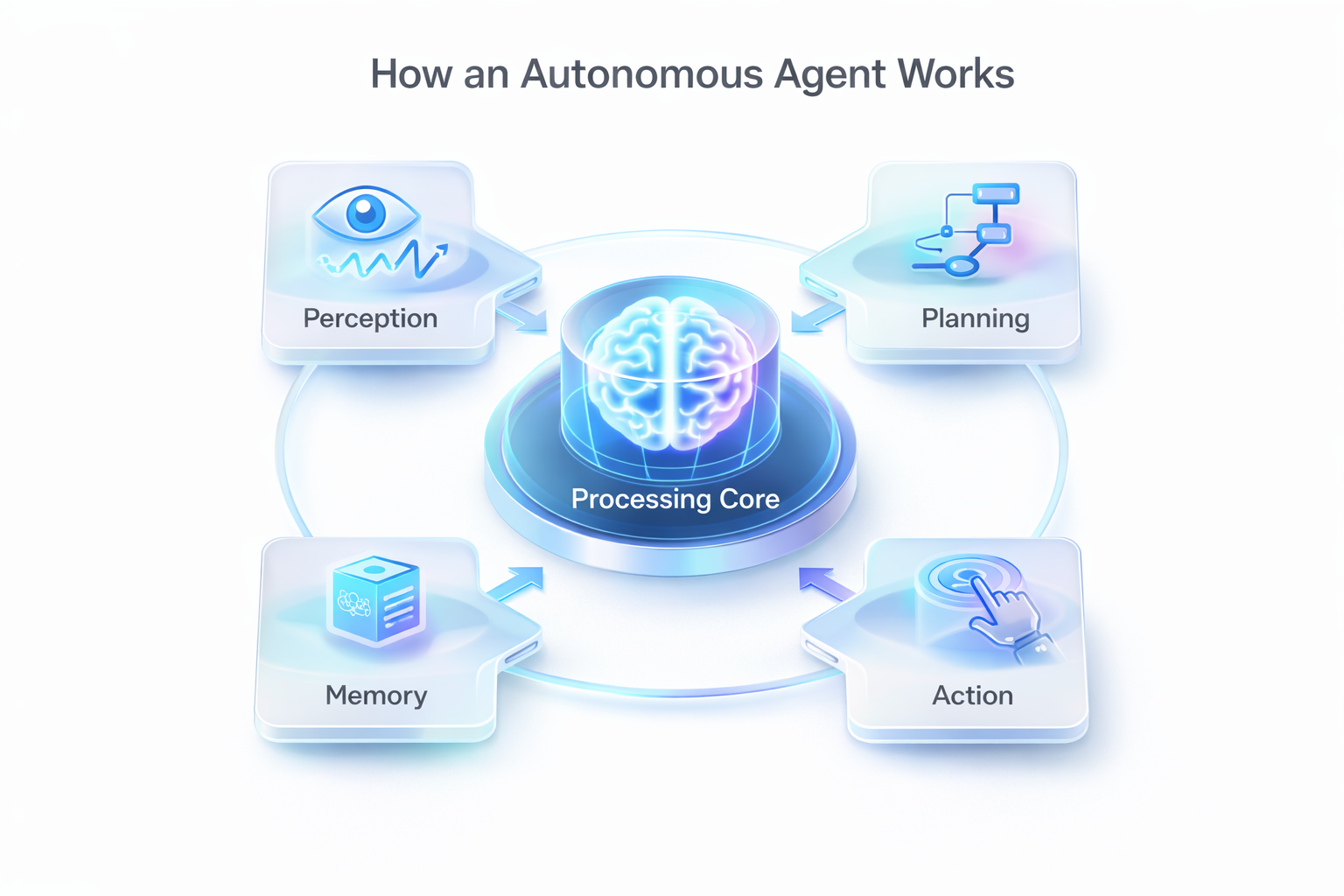
    2. The Anatomy of Autonomy: How Agents Actually Work

    How does an AI move from a text box to a functional worker? The architecture of autonomous AI agents is built on a “Reasoning Loop” that mirrors human cognitive processes.

    Planning and Decomposition

    When you give an agent a complex task, it doesn’t just start typing. It uses a process called “Chain of Thought” reasoning to decompose the task. If the goal is to “organize a business trip to Tokyo,” the agent identifies the sub-tasks: check the calendar, search for flights within a budget, find hotels near the meeting venue, and book a table at a highly-rated restaurant.

    Memory Systems

    Modern agents utilize both short-term and long-term memory. Short-term memory allows the agent to keep track of what it has done within a single session (e.g., “I already checked JAL flights; now I’ll check ANA”). Long-term memory, often powered by Vector Databases and RAG (Retrieval-Augmented Generation), allows the agent to remember user preferences or past successful strategies across weeks or months.

    The Tool-Use Layer

    This is where the magic happens. Through frameworks like LangChain or specialized APIs, autonomous AI agents can now “see” and “click” on the web. They can log into your CRM, pull data from a spreadsheet, and send a message on Slack. They are no longer trapped in a browser tab; they have “hands” in the digital world.

    3. Real-World Applications: Where Agents are Winning in 2026

    We are seeing autonomous AI agents move out of the lab and into the workstation. Here are the sectors where they are currently delivering the most significant ROI:

    Software Engineering and DevOps

    The rise of “agentic coding” has transformed software development. Tools that act as autonomous agents can now scan a codebase for vulnerabilities, write the fix, test it in a sandboxed environment, and submit the Pull Request for approval. They aren’t just autocompleting lines; they are managing entire feature lifecycles.

    Hyper-Personalized Research and Intelligence

    In the past, market research took days of manual Googling and synthesis. Today, an agent can be tasked with “Monitoring all competitors in the fintech space.” It will daily scan news, social media, and financial filings, synthesize the data, and provide a briefing only when it detects a significant market shift.

    Automated Customer Success

    We are moving past the “I’m sorry, I didn’t understand that” phase of customer service. Autonomous AI agents now have the authority to process refunds, change subscription tiers, and troubleshoot technical issues by accessing the backend systems directly, only escalating to a human when the emotional complexity of the situation requires it.

    4. The Challenges: Safety, Hallucinations, and the “Agentic Loop”

    With great power comes great unpredictability. The rise of autonomous AI agents brings a new set of challenges that developers and businesses are still grappling with.

    The Problem of Recursive Loops

    What happens when an agent gets stuck in a logic loop? Without proper guardrails, an autonomous agent could theoretically spend thousands of dollars in API credits or send hundreds of erroneous emails while trying to solve a poorly defined problem. Designing “kill switches” and cost-limiters is now a critical part of agent development.

    Security and Permissions

    Giving an AI “agency” means giving it access to your credentials and data. The security community is currently debating the “Least Privilege” model for AI. How much access should an agent have to your email or your company’s financial records? If an agent is compromised, the damage is no longer just a leaked conversation—it’s an authorized transaction.

    Reliability and Hallucination

    Even the most advanced agents can still “hallucinate” or make incorrect assumptions. In a chatbot, a hallucination is a lie in a text box. In an autonomous agent, a hallucination could be an incorrectly deleted database record. This is why “Human-in-the-Loop” (HITL) systems remain vital in 2026, where the AI acts and the human verifies the high-stakes decisions.

    5. The Future: A World of Multi-Agent Orchestration

    The next phase of this evolution is not just a single agent, but “Multi-Agent Systems” (MAS). In this scenario, different specialized agents work together.

    Imagine a marketing department where one agent is the “Strategist,” another is the “Copywriter,” and a third is the “Data Analyst.” They communicate with each other in a private digital workspace, debating the best course of action before presenting a completed campaign to the human manager.

    As autonomous AI agents become more sophisticated, the “Search Intent” on the web will change. We won’t search for “How to do X”; we will look for “Which agent is best at doing X.”

    Key Takeaways

    • Action Over Conversation: The defining characteristic of an agent is its ability to execute tasks independently, moving beyond the reactive nature of chatbots.
    • Architectural Complexity: Autonomous AI agents rely on a sophisticated blend of planning, memory, and tool-use to interact with the digital world.
    • Productivity Explosion: Agents are currently revolutionizing coding, research, and customer operations by handling end-to-end workflows.
    • Security is Paramount: As we give AI the power to act, implementing robust governance, permissions, and “Human-in-the-loop” systems is non-negotiable.
    • The Management Shift: The role of the human worker is shifting from “doer” to “orchestrator,” focusing on setting goals and auditing the AI’s output.

  • 10 Ways AI Coding Tools are Revolutionizing Software Development in 2026

    10 Ways AI Coding Tools are Revolutionizing Software Development in 2026

    If you had told a software engineer in 2023 that by 2026, over 85% of all production-grade code would be authored, tested, or refactored by artificial intelligence, they might have laughed you out of the room. Yet, here we are. According to the 2026 Global Developer Report, the “human-only” codebase has officially become a relic of the past.

    The landscape of software development has shifted from a manual craft to a high-level orchestration. We are no longer just “coders” fighting with syntax; we are architects of intelligence. As AI coding tools have evolved from simple autocomplete plugins to autonomous software agents, the day-to-day life of a developer has changed forever.

    1. From Autocomplete to Autonomous Agents

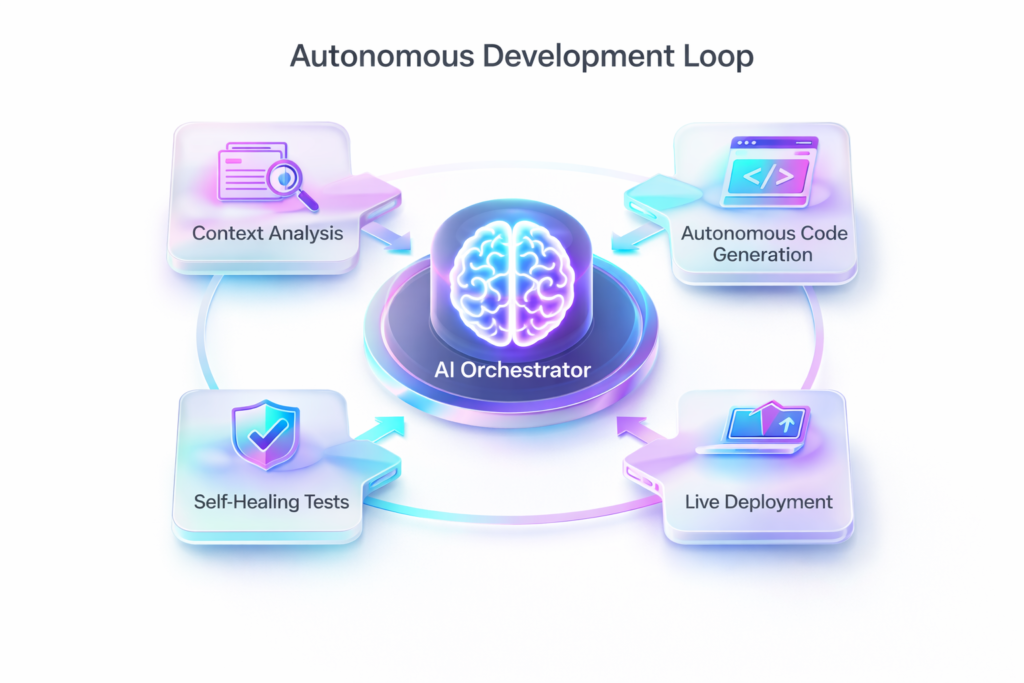
    In the early 2020s, platforms like GitHub Copilot were essentially “Tab-to-complete” features. They were helpful but required constant supervision. Fast forward to 2026, and the industry has transitioned to Autonomous Development Agents. These modern AI coding tools possess “system-wide context.” They don’t just look at the file you’re currently editing; they understand your entire repository, your CI/CD pipelines, and even your Jira tickets. Today, you can give an agent a high-level task—like “Add a multi-factor authentication flow using OIDC”—and it will create the components, set up the backend logic, and update the documentation across the entire project without manual intervention.

    2. Instant Legacy Code Modernization

    One of the most profound changes in 2026 is how we handle legacy systems. The “monolith” is no longer a death sentence for a company’s agility. Modern AI coding tools can ingest 20-year-old COBOL or ancient Java code and refactor it into modern, cloud-native Rust or Go in a matter of hours. This has allowed enterprises to eliminate decades of technical debt that previously cost millions to manage, freeing up budgets for actual innovation rather than just “keeping the lights on.”

    3. Self-Healing CI/CD Pipelines

    The dreaded “Build Failed” notification is becoming a thing of the past. When a pipeline breaks today, the AI agent analyzes the logs, identifies the logic error or dependency conflict, and automatically submits a Pull Request (PR) with the fix. This self-healing infrastructure means that DevOps teams are no longer woken up at 3:00 AM for minor deployment hitches. Human developers now spend their time approving fixes rather than hunting for broken semicolons.

    4. Natural Language to Full-Stack (Text-to-App)

    The barrier to entry for software creation has collapsed. We have reached the era of “Text-to-App.” Product managers and designers can now describe a feature in plain English, and AI coding tools generate a functional frontend, a connected database schema, and the necessary serverless functions. While senior engineers are still needed to oversee complex logic, the “boilerplate” phase of starting a new project has been reduced from weeks to seconds.

    5. Synthetic Persona Testing

    Testing has moved far beyond simple unit tests. In 2026, AI now generates “Synthetic Personas”—virtual users with diverse, unpredictable behaviors—that hammer an application to find edge-case bugs. These AI coding tools simulate thousands of user interactions simultaneously, catching 99% of UI/UX friction points and race conditions before a single real user ever sees the product. This has made software more stable than at any point in history.

    6. Real-Time Documentation and Knowledge Graphs

    Documentation used to be the bane of every developer’s existence. In 2026, AI coding tools maintain a live “Knowledge Graph” of your codebase. As code is written, documentation is updated instantly. More importantly, new developers can “chat” with the codebase. Instead of reading a 50-page wiki, a new hire can ask, “Why did we choose this specific caching strategy in 2024?” and the AI will explain the architectural decision based on historical commits and Slack discussions.

    7. AI-Powered Peer Review

    The “Senior Developer” bottleneck has finally eased. AI models, fine-tuned on billions of high-quality commits, now perform the first layer of code reviews. They catch security flaws, style inconsistencies, and performance bottlenecks before a human ever looks at the PR. This ensures that when a human developer finally reviews the code, they can focus on high-level logic and business impact rather than minor syntax choices.

    8. Hyper-Personalized Dev Environments

    Every developer’s IDE is now unique to them. Modern AI coding tools learn your specific coding style, your favorite libraries, and even your common logic gaps. The IDE adapts its interface and suggestions to fill those gaps, effectively acting as a permanent, personalized pair-programmer. If you struggle with CSS Grid but excel at backend logic, the AI provides more robust styling assistance while staying out of your way during API construction.

    9. Context-Aware Security Auditing

    Security is no longer a final step in the SDLC; it is baked into the first keystroke. Modern AI coding tools monitor for “Shadow Code”—bits of AI-generated logic that might be functional but mathematically obscure. They cross-reference every package against global vulnerability databases in real-time. By the time you hit “Save,” the code has already been scanned for compliance with GDPR, SOC2, and internal security protocols.

    10. Predictive Maintenance for Software

    Just like industrial machinery, software now has predictive maintenance. AI coding tools monitor application performance in production and predict when a database will scale inefficiently or when a memory leak is likely to occur based on current coding patterns. The system prompts developers to refactor specific modules before a crash happens, moving the industry from reactive bug-fixing to proactive system health management.

    The Rise of the “Product Engineer”: Why Syntax is Secondary

    In 2026, the human developer is finally free to focus on the “why.” Engineering is becoming a discipline of design thinking rather than rote memorization. Because modern AI coding tools handle the “how” (the syntax, the boilerplate, the API integrations), the human role has shifted toward “Context Engineering.”

    It is no longer about writing the perfect prompt. It is about knowing how to structure the data, business constraints, and user needs so that the AI delivers a scalable solution. As syntax becomes a commodity, your value lies in your ability to see the “Big Picture”—ensuring the overarching architecture is resilient, ethical, and aligned with the user’s ultimate goals.

    Security and the AI-Driven Vulnerability Loop

    It’s not all sunshine and automated deployments. As AI coding tools become more prevalent, the cat-and-mouse game of cybersecurity has reached a fever pitch. While AI is excellent at spotting common vulnerabilities, it has also made it easier for malicious actors to generate sophisticated, polymorphic malware.

    To stay relevant, developers must now master AI Governance. This involves ensuring that the AI tools used within an organization are not leaking proprietary logic into public training sets. Organizations are now implementing “Air-Gapped AI” models to protect their intellectual property while still reaping the productivity benefits of machine-authored code.

    Key Takeaways

    • Embrace Autonomy: Stop using AI as a simple search engine; integrate autonomous agents that can fix bugs and manage your CI/CD pipelines.
    • Prioritize System Design: Your primary value in 2026 is your ability to architect systems. Let the AI coding tools handle the granular implementation.
    • Kill Technical Debt: Leverage AI-driven modernization tools to refactor legacy stacks into modern, high-performance languages like Rust or Go.
    • Security by Design: Use real-time AI auditing to catch both human and machine-generated vulnerabilities the moment they are written.
    • Cultivate Agility: The tools are evolving faster than ever. A “perpetual learner” mindset is now more important than being a master of any single programming language.

  • Building Your Digital Ecosystem: How Services Connect to Growth

    Building Your Digital Ecosystem: How Services Connect to Growth

    In the early stages of a business, it is common to treat digital services as a series of isolated checklists. You hire a freelance developer for your website, a local contractor for your SEO, and perhaps a small boutique firm for your social media ads. While this “patchwork” approach might work during the initial launch, it quickly becomes a bottleneck as you attempt to scale.

    When your digital tools don’t talk to each other, your business loses momentum. You find that your website is too slow for the traffic your ads are generating, or your social media branding doesn’t match the user interface of your mobile app.

    The secret to sustainable growth in 2025 is not a single high-performing service; it is a digital ecosystem. This is an environment where every technical choice supports a marketing goal, and every marketing campaign is backed by high-performance engineering. This is the core of the full service digital agency benefits that we offer at Code Nest.

    The Holistic Shift: From Vendors to Partners

    Most business owners are exhausted by the friction of managing multiple vendors. Each vendor has a different report, a different communication style, and—most dangerously—a different vision for your brand.

    A full-service digital agency acts as the “General Contractor” for your digital real estate. By centralizing your software development, SEO, and advertising under one roof, you eliminate the “finger-pointing” that happens when things go wrong. Instead of a developer blaming an SEO plugin for slow load times, or a social media manager complaining about a poorly designed landing page, you have a unified team working toward a single metric: Revenue.

    1. The Synergy Between Engineering and SEO

    One of the most immediate benefits of an integrated approach is the connection between website development and search visibility.

    Traditional SEO often involves an expert giving you a list of “Technical Recommendations” that your developer then has to figure out how to implement. This leads to delays and “half-measure” solutions that rarely satisfy Google’s core requirements.

    When we build a project at Code Nest, our SEO strategists are involved in the “Discovery Phase” (as discussed in Day 26). Before a single line of React or Next.js code is written, we have already mapped out the URL structure, planned for schema markup, and optimized for site speed. Because the developers and SEOs sit at the same table, the final product is not just a “fast website”—it is a search-ready asset that starts ranking the moment it is indexed.

    2. Branding Continuity Across All Touchpoints

    Your customers do not view your brand through a single window. They may discover you on LinkedIn (SMM), research your capabilities on your website (Web), and eventually manage their account through your proprietary application (App Dev).

    In a fragmented setup, the experience feels disjointed. The tone of the LinkedIn post doesn’t match the copy on the website, and the interface of the mobile app feels like it was designed by a completely different company.

    Integrated growth relies on Omni-channel branding. By centralizing your design and content with one agency, your “Brand Identity” remains ironclad. Whether it’s a Shopify storefront or a Facebook ad, the typography, color psychology, and messaging are identical. This consistency builds the consumer trust necessary to shorten the sales cycle.

    3. Data-Driven Feedback Loops

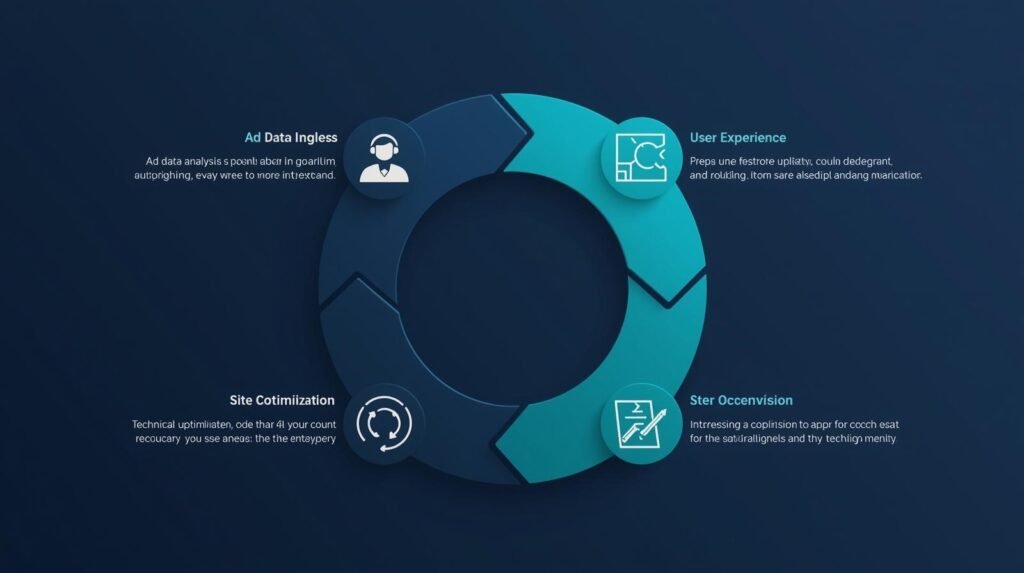
    In a digital ecosystem, data doesn’t live in silos. The information we gather from your Google Ads (PPC) campaigns tells us which specific services or features your customers care about most. We can then take that data and immediately update the hero section of your website to reflect those interests.

    Alternatively, if your social media analytics show that your audience is increasingly accessing content via mobile, our development team can proactively prioritize a “mobile-first” refactor of your legacy desktop components.

    When your data flows from your marketing team directly to your technical team, your business becomes agile. You aren’t making decisions based on “best practices”—you are making them based on your actual user behavior.

    4. Reducing Technical Debt and Operational Overhead

    The cost of a full service digital agency benefits extends beyond your marketing budget; it includes your operational sanity.

    When you have a central partner, your technical stack is standardized. You don’t end up with five different languages and three different hosting platforms managed by people who no longer answer their emails. At Code Nest, we focus on a “Clean Code” standard across all services. This means that your React-based website is built with the same logical rigor as your Shopify store.

    This standardization makes your business “Investment Ready.” Should you ever decide to raise capital or sell the company, having a well-documented, professionally managed digital ecosystem is a massive asset that adds significant valuation to the business.

    5. Agile Responses to Market Shifts

    Digital technology changes overnight. Whether it’s a new Google algorithm update, a change in social media ad privacy laws (like iOS 14+), or the rise of a new technical framework, an integrated agency stays ahead of these curves for you.

    When an industry shift happens, you don’t need to coordinate three different meetings. A single strategy adjustment at the top of the agency trickles down through every service. Your developer, your SEO, and your paid ad manager all pivot in unison, ensuring that your business never misses a beat.

    Conclusion: The Roadmap to Growth

    For thirty days, we have explored the intricate layers of the modern web—from the speed of Next.js and the security of WordPress to the strategic psychology of UI/UX and SEO. None of these elements exist in a vacuum. A high-performance website without an SEO strategy is a “secret.” A high-intent SEO campaign with a slow, cluttered website is “wasted traffic.”

    Real business growth happens at the intersection of architecture, aesthetics, and authority.

    At Code Nest, we are built for this intersection. We are more than developers; we are digital architects who understand that every pixel we design and every line of code we ship must serve the ultimate goal: The sustainable growth of your business.

    Ready to move beyond a fragmented digital strategy? Contact Code Nest today. Let’s audit your current ecosystem and build a unified technical roadmap that delivers the ROI your brand is capable of achieving.

  • The Hidden Value of Clean Code for Business Longevity

    The Hidden Value of Clean Code for Business Longevity

    When a business owner looks at a new website or a custom software application, they see the user interface, the load speed, and the functionality. To the untrained eye, if the button works and the layout looks professional, the project is a success. However, beneath the surface of every digital product lies a complex architecture of source code.

    If that code is “dirty”—disorganized, redundant, or overly complex—it acts like structural rot in a house. You might not see it for the first year, but eventually, the walls begin to crack. At Code Nest, we frequently inherit projects from “budget” developers where the surface looks fine, but the codebase is so tangled that making a simple change, like updating a price or adding a new service, takes ten times longer than it should.

    The importance of clean code standards is not a matter of aesthetic preference for developers; it is a critical variable in your company’s long-term profitability and agility. Clean code is what allows a business to scale without the weight of its own past mistakes holding it back.

    What is Clean Code, Exactly?

    In simple business terms, clean code is code that is written for people to read, not just for machines to execute.

    Computers don’t care if a program is messy. A machine will run a “spaghetti” script just as happily as it runs an elegantly architected one. The problem arises when a human—either your current developer or a new one you hire later—needs to update that script.

    Clean code is modular, self-explanatory, and consistent. It follows established importance of clean code standards such as DRY (Don’t Repeat Yourself) and SOLID principles. When your codebase is clean, it is “self-documenting.” A new engineer can join your team, look at the project, and understand how the system works within hours, rather than weeks of confusion.

    1. Avoiding the High Cost of Technical Debt

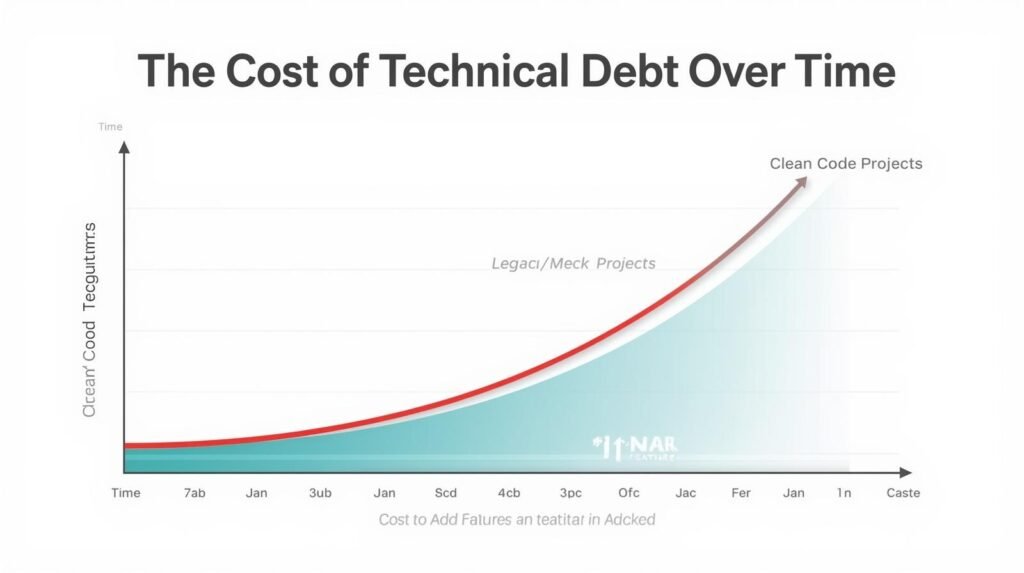
    The most significant financial reason to prioritize clean code is to avoid “Technical Debt.” In software development, technical debt is a metaphor for the extra work that arises when you choose an easy (messy) solution now instead of a better approach that takes slightly longer.

    Like financial debt, technical debt isn’t always bad in small doses (such as when building an MVP), but it carries high “interest.”

    • The Debt: Taking a shortcut to launch two weeks earlier.
    • The Interest: Every future feature now takes longer because developers have to work around the messy “shrotcut” code you wrote at the start.

    If a project is built without clean code standards, the “interest” eventually becomes so high that your developers spend 80% of their time fixing old bugs and only 20% building new features. For a growing business, this is a death sentence for innovation. Clean code allows you to pay your debt early, keeping your ongoing maintenance costs low and predictable.

    2. Ensuring Scalability and Performance (React & Next.js)

    For businesses using modern stacks like React or Next.js, clean code is the backbone of performance. React is a component-based library. If those components are built haphazardly, you end up with “Component Bloat.”

    In a messy React codebase:

    • Redundant data is fetched multiple times, slowing down the site.
    • The “State Management” becomes unpredictable, leading to hard-to-track UI bugs.
    • Next.js optimizations, like Server-Side Rendering (SSR), can be easily broken by poor architectural choices.

    When we build with scalable Next.js architecture at Code Nest, we focus on modularity. We break down complex interfaces into small, reusable building blocks. This not only makes the site faster for your users but makes it incredibly easy to expand. If you need a new dashboard section, we can reuse existing components like Lego blocks, significantly reducing the billable hours required for future growth.

    3. Faster Onboarding and Team Continuity

    One of the greatest risks to a startup or a growing business is “Knowledge Siloing.” This happens when one specific developer writes code that only they understand. If that developer leaves the company or moves to a different project, they take the key to your software with them.

    If the code doesn’t follow standard industry patterns, a new developer might suggest that it is “impossible” to work with and recommend a total rewrite from scratch—a nightmare scenario for your budget.

    By insisting on the importance of clean code standards, you ensure that your software is a transferable business asset. Any qualified developer should be able to step in and continue the work without a massive learning curve. This provides your business with “Vendor Independence” and ensures that your technology survives even if your team changes.

    4. Stability Under Pressure

    When your traffic spikes or your database grows, clean code keeps the system stable. Messy code often contains hidden bottlenecks—loops that run too many times, variables that aren’t properly cleared from memory, or insecure API calls.

    Under heavy load, these small mistakes are magnified. A “dirty” codebase is far more likely to experience a total system collapse during a major sales event or a high-traffic marketing campaign. Clean code follows a logical, optimized flow, making it resilient to the stressors of a growing user base.

    5. Better Security and Fewer Vulnerabilities

    There is a strong correlation between “ugly” code and insecure code. Hackers love complexity. The more “clever” and non-standard a developer’s code is, the easier it is for a vulnerability to hide in plain sight.

    Clean code emphasizes transparency and simplicity. When logic is easy to follow, it is easy to audit for security flaws. Standardized coding patterns also usually include “Sanitization”—the process of ensuring that user input doesn’t contain malicious scripts. When your development team skips the “cleanup” phase of a project, they are often skipping the final security checks as well.

    Conclusion: Quality is the Shortest Path to Success

    It is a paradox of development: writing clean code takes more time in the beginning, but it makes the project move faster overall.

    Think of clean code as a high-quality, organized filing system. It takes longer to label every folder correctly than to just throw every paper into a cardboard box. However, when you need to find one specific document three years later, the filing system is the only thing that saves you from hours of frustration.

    At Code Nest, we pride ourselves on what’s under the hood. Our commitment to importance of clean code standards means that we deliver software that doesn’t just work today—it continues to serve your business five years from now.

    Does your current codebase feel like an anchor holding your business back? Contact Code Nest today. We specialize in code audits, legacy system modernization, and building high-performance, clean-architecture React and Next.js applications that are built to last.

  • Optimizing Checkout Flows to Reduce Cart Abandonment

    Optimizing Checkout Flows to Reduce Cart Abandonment

    The most expensive lead in e-commerce is the one that reaches your checkout page but doesn’t finish the transaction. You have already paid for their acquisition through SEO or PPC, your UI has successfully guided them through product discovery, and they have expressed clear intent by adding an item to their cart.

    Yet, industry data consistently shows that nearly 70% of online shoppers abandon their carts at the final hurdle.

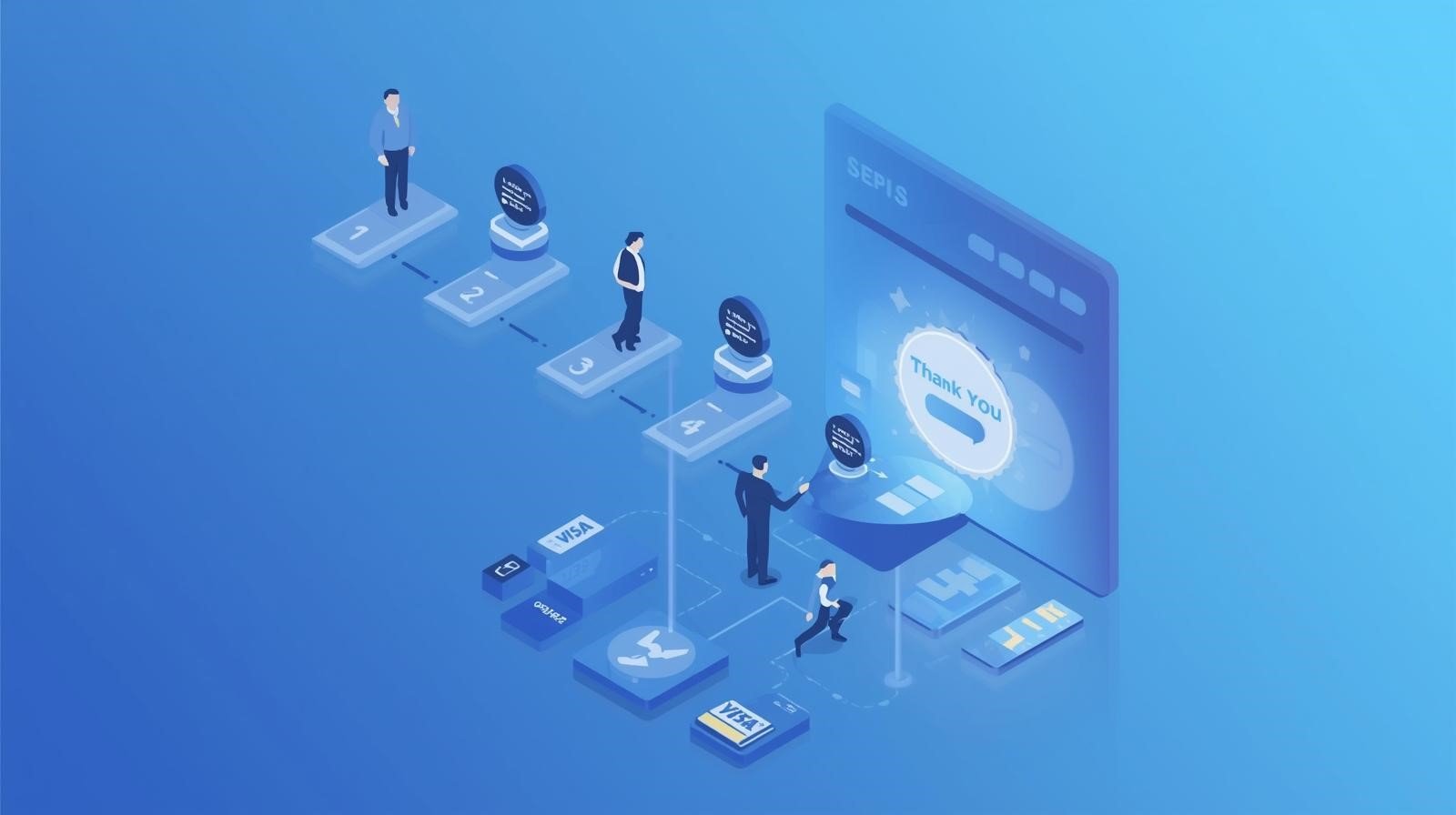
    When a shopper drops off at the finish line, it is rarely because they suddenly stopped wanting the product. Instead, it is almost always due to “friction”—technical, psychological, or logistical barriers that make it easier to close the tab than to complete the purchase. At Code Nest, we view the checkout flow as a high-precision engineering task. To reduce ecommerce cart abandonment, you must transition from a “one-size-fits-all” approach to a streamlined, frictionless environment that respects the user’s time and builds immediate trust.

    1. Eliminating “Price Shock” with Transparency

    The number one reason for abandonment at the final stage is the discovery of hidden costs. When a user sees a price of $50 on a product page but realizes the total is $72 once shipping, taxes, and handling fees are added in the final step, they feel deceived.

    This “price shock” is a psychological deal-breaker. To optimize this, the most successful brands implement transparency throughout the funnel:

    • Early Shipping Estimators: Allow users to calculate shipping on the product or cart page before reaching the final checkout.
    • Threshold Indicators: Use progress bars that show “Spend $10 more for Free Shipping.” This turns a cost-negative situation into an incentive.
    • Tax Inclusivity: If possible for your region, show tax-inclusive pricing early so the final number doesn’t move significantly at the “Place Order” step.

    2. The Case for the “Mandatory Guest Checkout”

    One of the greatest mistakes an e-commerce brand can make is forcing a user to create an account before they can pay. While capturing customer data for long-term marketing is valuable, demanding it during a first-time purchase creates a massive barrier to entry.

    A buyer on a smartphone, perhaps waiting in a queue or traveling, does not want to confirm an email address, verify a password, and navigate three “onboarding” screens just to buy a pair of socks.

    Implementing a robust guest checkout option is non-negotiable for any brand looking to reduce ecommerce cart abandonment. You can always offer the user the option to save their details and create an account after the purchase is confirmed. At that point, their resistance is gone because the transaction is already secured.

    3. Frictionless Payment: The Rise of One-Click Solutions

    The physical effort of typing 16-digit credit card numbers on a mobile screen is a conversion killer. If a user has to get up and find their wallet to finish a purchase on your site, there is a high probability they won’t return to the screen.

    Frictionless payment integration is about meeting the user where their digital wallets already live. This includes:

    • Mobile Wallets: Integration with Apple Pay and Google Pay allows users to authenticate with a thumbprint or Face ID in seconds.
    • Shopify Optimization: If you are on Shopify, leveraging Shop Pay is perhaps the single most effective move you can make. Shop Pay speeds up checkout by 4x, providing a verified, secure shortcut for millions of global users.
    • Buy Now, Pay Later (BNPL): Services like Klarna or Affirm reduce “purchase guilt” and allow users to commit to higher-ticket items with less immediate financial friction.

    4. Reducing Cognitive Load: Simplified Form Design

    A checkout page should be the most minimalist part of your entire website. This is not the place for header navigation, social media icons, or related product cross-sells (which can be handled better after the payment is processed).

    We follow a strategy of “Linear Focus.” By removing all exits from the checkout page, you keep the user’s cognitive load strictly on the task at hand. Furthermore, your form design should follow these technical best practices:

    • Address Autocomplete: Integrate APIs (like Google Maps) that suggest the user’s address after the first few keystrokes. This prevents typos and saves significant time.
    • Field Inline Validation: Don’t wait until the user hits “Submit” to tell them their credit card number is wrong or a field is empty. Use real-time validation to show a green checkmark as they go.
    • Auto-Detection: The system should automatically detect card types (Visa, Mastercard, etc.) and optimize the numeric keypad for phone number and zip code inputs on mobile.

    5. Building Trust Through “Authority Symbols”

    As the user reaches the final payment stage, a switch in their brain flips from “excitement” to “risk.” They are about to hand over hard-earned money and personal data to your server. If they have the slightest doubt about your site’s security, they will bounce.

    You must reassure them using “Authority Symbols” positioned strategically near the payment buttons:

    • Trust Badges: Display recognizable security logos (SSL, Norton, McAfee).
    • Visible Support: A simple “Need Help? Chat Now” or a visible phone number provides a safety net. It reassures the user that there is a real business standing behind the technology.
    • Clear Refund Policies: A simple link or sentence stating “30-Day Money Back Guarantee” removes the fear of buyer’s remorse.

    6. The Performance Variable: Checkout Speed

    In high-volume e-commerce, latency is directly correlated with lost revenue. If your checkout page takes five seconds to load after a user clicks “Proceed to Checkout,” the momentum is lost.

    At Code Nest, we focus on technical optimization to ensure the transition to the checkout environment is instant. This involves:

    • Optimizing Server-Side Scripts: Reducing the time it takes for your database to calculate shipping rates or discount codes.
    • Clean Liquid/Next.js Code: Ensuring that your Shopify theme or custom frontend isn’t loading unnecessary CSS or JS trackers during the payment phase.

    7. Strategic Retargeting for the “Incomplete” Checkout

    Even with the world’s most optimized checkout, some abandonment is inevitable. A phone call rings, a child needs attention, or a Wi-Fi signal drops. This is where your post-abandonment strategy begins.

    If you have captured an email address through an “Early Capture” form, your abandoned cart email sequence should trigger within one hour. Don’t lead with a discount; lead with helpfulness. Ask if there was a technical problem, show a picture of the item they left behind, and provide a direct link that reconstructs their cart so they can finish the task in one click.

    Conclusion: Refining the Path to Purchase

    Optimization is not a “set-and-forget” project. To effectively reduce ecommerce cart abandonment, you must constantly monitor your analytics for specific drop-off points. Is the mobile bounce rate higher than the desktop? Is one specific shipping region seeing more abandonment than others?

    A frictionless checkout is the ultimate expression of respect for your customer. By removing hidden costs, simplifying forms, and integrating modern payment solutions, you turn a stressful logistical process into a smooth, rewarding conclusion to the shopping journey.

    Are your sales stalling at the finish line? Contact Code Nest today. Our e-commerce optimization team will perform a comprehensive audit of your checkout flow to find and fix the leaks in your revenue funnel.

  • Identifying “Scope Creep” in Digital Projects (And Preventing It)

    Identifying “Scope Creep” in Digital Projects (And Preventing It)

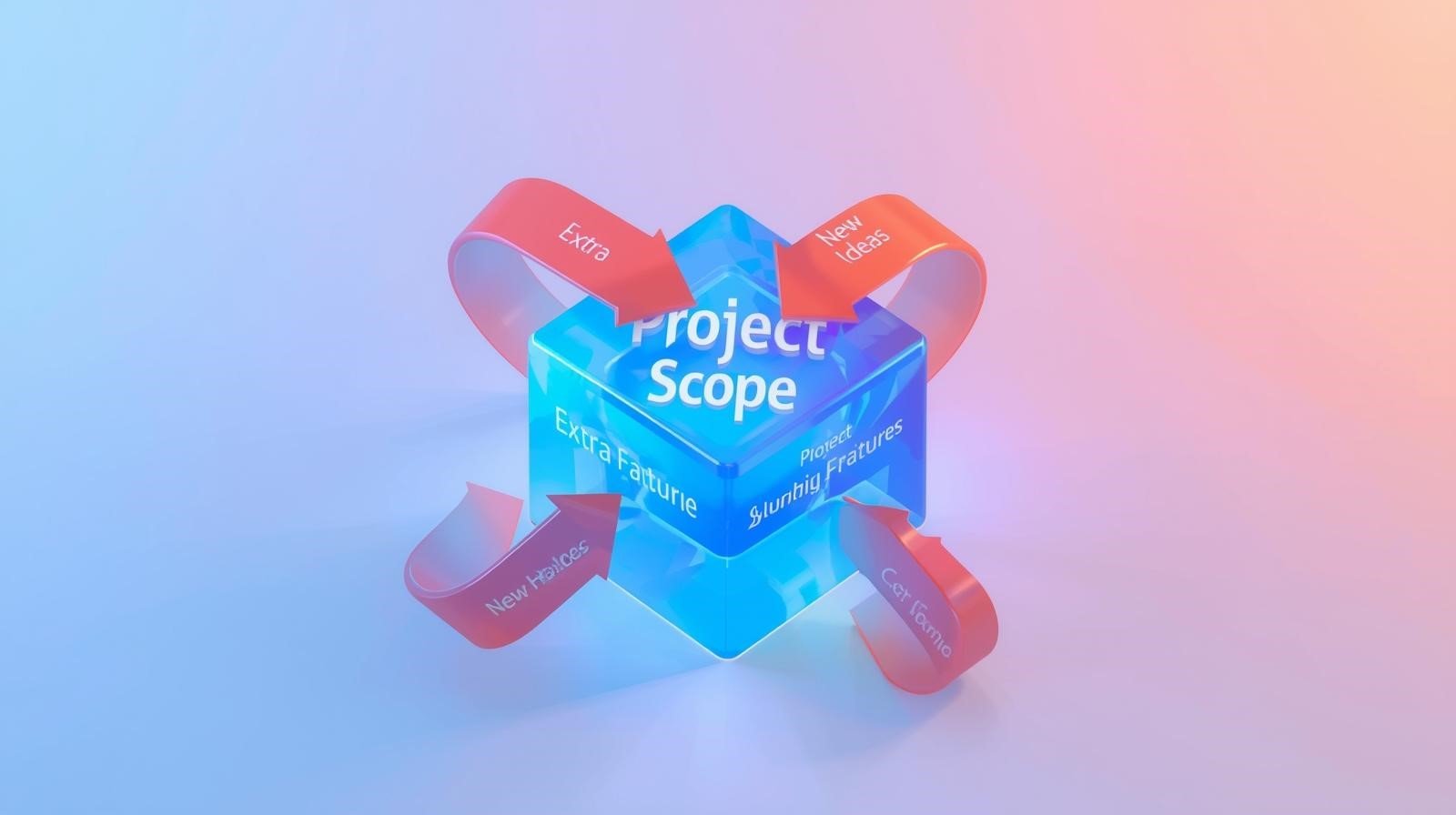
    Every experienced business owner has seen it happen. A project starts with a clear vision: a professional, five-page website or a simple internal tool for managing leads. But as the development begins, new ideas start to trickle in. “Can we just add a small member portal?” or “Could we integrate this specific legacy CRM we use?”

    Separately, these requests seem minor. Combined, they are a silent project killer known as project management scope creep.

    Scope creep refers to the uncontrolled growth of a project’s requirements without corresponding adjustments to the budget, resources, or timeline. It is one of the most common reasons digital projects fail, lose profitability, or miss their launch dates. At Code Nest, we view a fixed scope not as a limitation, but as a safeguard. By preventing scope creep, we ensure that our clients receive a high-quality product on the day they expect it.

    Why “Can You Just…” is the Most Dangerous Phrase in Tech

    Scope creep rarely happens with a single, massive demand. Instead, it occurs through a series of “micro-requests.”

    Imagine you are hiring a contractor to build a standard kitchen. Halfway through the build, you ask if they can “just” install a walk-in wine cellar as well. You understand that the wine cellar requires extra materials and labor.

    However, in software development, the “materials” (code) are invisible. To a client, adding a button that generates a PDF report might look like a five-minute task. To a developer, that button might require hours of library integration, data mapping, and testing for edge cases. When dozens of these “five-minute” tasks accumulate, the project timeline stretches, and the original budget becomes insufficient.

    The Core Causes of Scope Creep

    Understanding why scope creep occurs is the first step toward stopping it. In our experience at Code Nest, it usually stems from three areas:

    1. Lack of a Robust Discovery Phase

    As we discussed in the software development lifecycle stages, a project without a deep discovery phase is built on assumptions. If the technical requirements aren’t defined in detail before coding begins, the client and the agency will inevitably have different ideas of what “finished” looks like.

    2. The “Vague Feature” Trap

    Vague descriptions are the breeding ground for scope creep. If a requirement simply says “Integration with Social Media,” it is unclear if that means simple social icons or a complex automated posting engine. Professional project management requires “Functional Specifications” that leave no room for interpretation.

    3. Too Many Stakeholders

    The more people involved in a project, the higher the risk. When a marketing director, a CEO, and a lead salesperson all have input on a build without a centralized project lead, the “wish list” begins to overshadow the actual business requirements.

    How to Identify Scope Creep Before it Happens

    Spotting scope creep requires vigilance during the development phase. Watch for these red flags:

    • The Moving Goalpost: You are six weeks into a ten-week build, and you haven’t yet seen a working version of the primary feature because new sub-features are still being debated.
    • “In-the-Moment” Decisions: During a progress meeting, a new feature is discussed and someone says, “That’s a great idea, let’s just do that too,” without checking if it fits the original timeline.
    • A “Busy” Feedback Loop: You are receiving more questions about features you didn’t know were being built than features that were in the original agreement.

    The Code Nest Strategy for Preventing Budget Overruns

    We believe that professional software development relies on transparency and structure. Here is how we prevent scope creep from derailing our clients’ projects:

    1. The Statement of Work (SOW) as an Anchor

    The SOW is a detailed document that serves as the legal and technical backbone of the project. It doesn’t just list features; it defines boundaries. It clearly states what is included and what is not. This clarity provides a point of reference for both the client and the agency throughout the build.

    2. A Formal Change Request Process

    We don’t believe in “never saying no” to a new idea. Business priorities shift, and sometimes a feature must be added. When this happens, we move from the development cycle into the change request process.

    Instead of trying to squeeze the new feature into the existing timeline, we pause. We estimate the additional cost and the time needed for the new request. The client can then make an informed business decision: is this new feature important enough to increase the budget and move the launch date? This turns an emotional request into a logical business choice.

    3. Iterative Releases (MVP)

    The best way to manage a “big vision” is to break it down. We often advocate for a Minimum Viable Product (MVP) launch first. This allows the client to get their core product into the hands of users as quickly as possible. Features that would have otherwise “crept” into the original scope are instead logged in a “Product Backlog” for Version 2.0. This keeps Version 1.0 focused and efficient.

    Why a Rigid Scope is Better for the Client

    It may seem counterintuitive, but a development team that pushes back against “feature additions” is doing you a favor.

    When a project experiences project management scope creep, the quality of the original features often suffers. Developers find themselves rushing the core code to make time for the “bonus” features. This results in technical debt—bugs and messy code that will cost you significantly more to fix in the future.

    A firm scope allows the team to focus on excellence. It ensures that the primary problems your software was intended to solve are solved flawlessly.

    Conclusion: Collaboration Requires Guardrails

    Digital projects are complex, but they don’t have to be unpredictable. Successful project management is a partnership based on clear communication and a shared respect for the project’s boundaries.

    At Code Nest, we don’t just build websites and apps; we manage budgets and timelines with surgical precision. We protect our clients from the high costs and missed opportunities that follow unmanaged growth. By defining exactly what “done” looks like from day one, we create a path to a successful, profitable launch.

    Planning a project and want a partner who respects your budget? Contact Code Nest today. Let’s work together to define a scope that drives results without the drama.

  • From Idea to Launch: The Lifecycle of Software Development

    From Idea to Launch: The Lifecycle of Software Development

    Most successful software products don’t start with a single line of code. They start with a conversation, a sketch, or a frustration with a current process. There is a common misconception in the business world that software development is a straight line—an “idea” that goes into a black box of programming and comes out as a finished product.

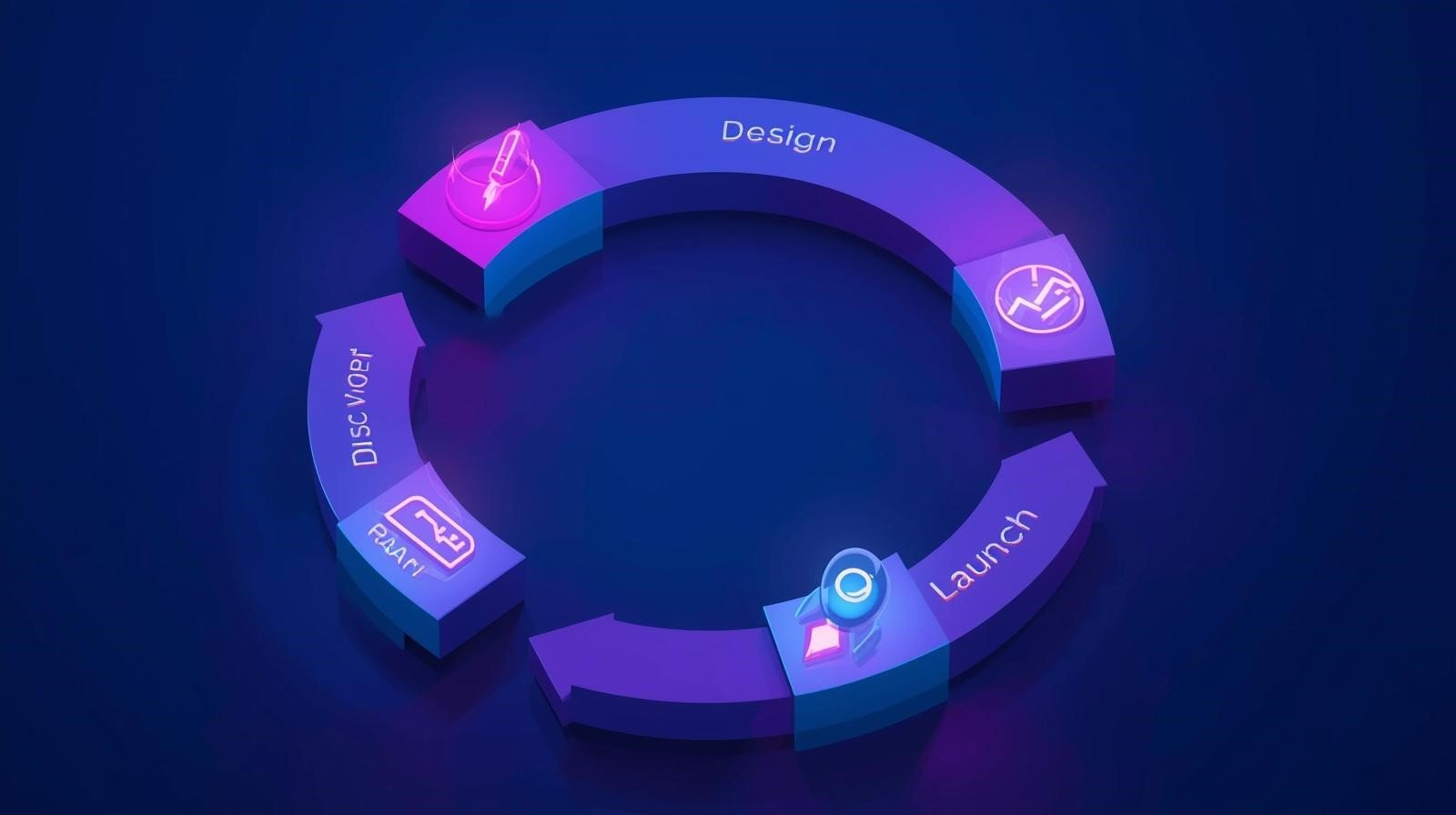
    In reality, building a digital product is an iterative journey. Without a structured roadmap, a project can quickly spiral into “feature creep,” ballooning budgets, and missed deadlines. This structured roadmap is known as the Software Development Life Cycle (SDLC).

    At Code Nest, we guide our partners through every phase of this journey. Understanding the software development lifecycle stages is critical for any business owner who wants to transition from a conceptual “vision” to a market-ready asset.

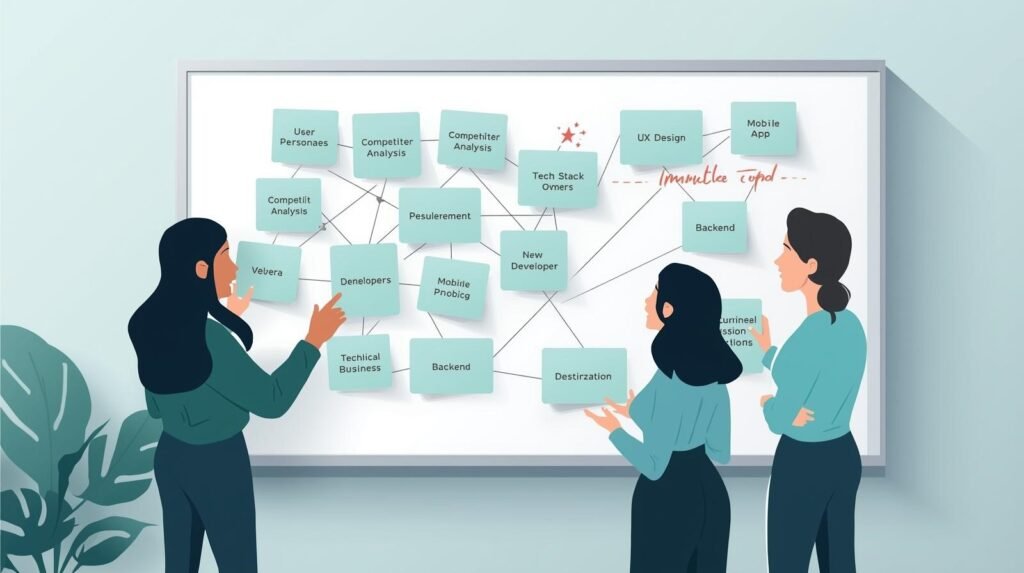
    1. Discovery and Planning: The Foundation

    Before we discuss servers or syntax, we must define the business problem. The discovery phase is the most undervalued part of the development process, yet it determines the success of every stage that follows.

    In this stage, the goal is to align the technical team with the business objectives. We ask hard questions:

    • Who is the primary user?
    • What is the “Minimum Viable Product” (MVP)?
    • What does a successful launch look like for your bottom line?

    By conducting market research and competitor analysis during discovery, we ensure that we aren’t just building a functional app, but a competitive one. Planning here prevents “pivots” halfway through development that could cost tens of thousands of dollars in wasted engineering time.

    2. Requirement Analysis: Defining the “What”

    Once the goal is clear, we move into requirement analysis. This is where we document exactly what the software needs to do. This results in two sets of requirements:

    • Functional Requirements: What the system does (e.g., “A user can reset their password via email,” or “The admin can generate a monthly revenue report.”)
    • Non-Functional Requirements: How the system performs (e.g., “The site must load in under two seconds,” or “The app must handle 5,000 concurrent users.”)

    Gathering these requirements allows us to choose the right tech stack. For instance, an enterprise dashboard might benefit from the speed of Next.js, while a social media app might require the cross-platform flexibility of React Native.

    3. Design: Building the Digital Blueprint

    The design phase is where your idea takes its first visual form. However, this is more than just selecting colors and fonts. We focus on two primary disciplines: UI (User Interface) and UX (User Experience).

    The design team creates:

    1. Wireframes: Low-fidelity sketches showing where elements go.
    2. User Journey Maps: A visual path showing exactly how many clicks it takes for a user to accomplish a task.
    3. High-Fidelity Prototypes: Interactive mockups that look and feel like the finished product.

    A professional design phase allows stakeholders to see the product logic before a single hour of expensive backend coding is used. It is far cheaper to change a button’s location in a design file than it is to rewrite a database architecture.

    4. Development: The Construction Phase

    This is where the actual building happens. At Code Nest, we typically utilize an Agile software development process. Instead of building the entire app in secret and presenting it months later, we work in “Sprints.”

    Sprints are short cycles (usually 2–3 weeks) where we build a specific set of features. At the end of each sprint, we demonstrate progress to you. This keeps the project transparent and allows us to make minor adjustments based on real-world feedback rather than assumptions.

    This phase is divided into the “Frontend” (the part your customers interact with) and the “Backend” (the engine, the database, and the APIs that make the app work).

    5. Testing and Quality Assurance (QA)

    Building software is a complex puzzle, and even the best developers will encounter bugs. The testing phase is a systematic attempt to break the software so that your customers don’t.

    We perform several types of tests:

    • Unit Testing: Checking individual components to ensure they function correctly.
    • Integration Testing: Making sure the different modules (like the payment gateway and the inventory database) work together.
    • Security Testing: Ensuring the data is protected from unauthorized access (an essential step, as we discussed in our guide to secure WordPress website hosting).
    • UAT (User Acceptance Testing): Final testing by a select group of target users to see if the workflow makes sense to them.

    6. Deployment: The Go-Live Moment

    After the software has passed every stress test and security check, it is ready for the world. Deployment is the technical process of moving the code from a staging environment to a live server.

    This stage involves:

    • Configuring production servers.
    • Migrating data from old systems.
    • Finalizing SEO configurations.
    • Submitting mobile apps to the Apple App Store and Google Play Store.

    While the “Go-Live” moment is the most exciting of the software development lifecycle stages, we treat it with extreme caution, often choosing “low-traffic hours” for deployment to minimize any potential interruption to existing business operations.

    7. Maintenance and Evolution

    Software is never truly “finished.” The moment an app is released, real users start providing feedback, browsers update, and security threats evolve.

    Post-launch maintenance is about two things: stability and growth.

    • Stability: Regular updates to libraries, security patching, and server monitoring.
    • Growth: Developing new features based on actual user data.

    At Code Nest, we view launch day as the beginning of our relationship, not the end. We use analytics to see how people use the product, identifying bottlenecks and opportunities to further optimize for conversion.

    Conclusion: Strategy Over Speed

    Speed to market is important, but a product rushed through the lifecycle without a solid discovery and testing phase will inevitably fail or require a costly rebuild. Following a disciplined software development lifecycle ensures that every dollar you invest is going toward building an asset that is secure, scalable, and intuitive.

    Whether you are building a custom e-commerce engine or an enterprise B2B platform, the process remains your most important tool. It turns chaos into a structured sequence of measurable milestones.

    Have a visionary idea but don’t know the first step? Contact Code Nest today. Our architects specialize in guiding businesses through the complete software lifecycle, ensuring your vision translates into a high-performance reality.

  • WordPress Security: Protecting Your Business from Hacks

    WordPress Security: Protecting Your Business from Hacks

    WordPress powers over 43% of all websites on the internet. For business owners, that popularity is a double-edged sword. On one hand, you have access to a massive ecosystem of plugins and developers; on the other, your site becomes a high-value target for hackers. Because the core code is open-source, once a vulnerability is discovered, automated bots crawl the web to find every site that hasn’t updated their systems yet.

    A hacked website is more than a technical nuisance. It is a full-scale business crisis. Within minutes of a breach, your Google rankings can disappear as the “This site contains malware” warning drives customers away. Your server can be blacklisted by email providers, and in the worst cases, sensitive customer data can be leaked.

    Securing a business website requires moving beyond “installing a plugin and hoping for the best.” It requires a layered approach to defense, starting with the very foundation of your site: secure wordpress website hosting.

    Why WordPress is Target Number One

    It is a common misconception that WordPress is “insecure” by nature. In reality, the core WordPress software is incredibly well-maintained by a global security team. The vast majority of breaches occur due to user error or negligence.

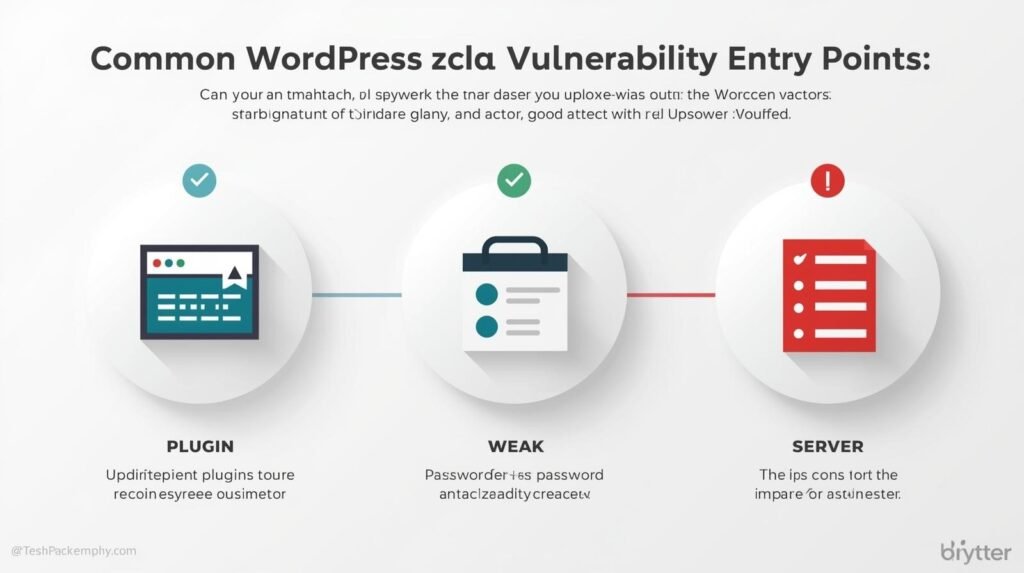
    The primary points of entry for attackers usually fall into three categories:

    1. Vulnerable Plugins and Themes: Outdated or poorly coded additions to the site are responsible for nearly 55% of all WordPress hacks.
    2. Weak Credentials: Simple passwords and a lack of Two-Factor Authentication (2FA) make brute-force attacks easy for automated scripts.
    3. Low-Quality Hosting: Inexpensive, “unmanaged” shared hosting environments often lack the server-side firewalls and isolation needed to prevent a hack on one site from jumping to another on the same server.

    The Foundation: Secure WordPress Website Hosting

    If you are running your business on a $3-a-month shared hosting plan, you are effectively leaving your front door unlocked. In a “Shared” environment, you are grouped with hundreds of other sites. If a site three folders over is compromised, an attacker can sometimes exploit server configurations to “jump” into your directory.

    This is where managed wordpress hosting benefits become apparent. At Code Nest, we recommend (and provide) managed environments because they move the security burden away from the software and toward the server.

    A secure hosting provider provides:

    • Web Application Firewalls (WAF): These analyze incoming traffic and block suspicious IP addresses or known attack patterns before they even reach your site.
    • Isolated Environments: Each site is containerized, ensuring that even if one site is compromised, the “infection” cannot spread.
    • Daily Automated Backups: Security is about resilience. If a hack occurs, having a clean, off-site backup allows you to restore your business in minutes rather than days.
    • Automated Security Patching: Secure hosts automatically patch core WordPress software to close known vulnerabilities as soon as they are announced.

    Hardening the Interior: Best Practices

    Once you have secured your foundation with high-tier hosting, you must focus on the “hardening” of the application itself. These are the proactive steps our developers take during any WordPress maintenance project.

    1. Eliminating Entry Points (The Minimalist Approach)

    The simplest way to stay secure is to reduce the surface area an attacker can hit. If a plugin hasn’t been used in three months, delete it. If a theme is sitting inactive, remove it. Every piece of code on your server is a potential door; keep as many doors shut as possible.

    2. Disabling XML-RPC

    XML-RPC is a legacy feature that allows WordPress to communicate with external apps. Unfortunately, it is one of the most common ways attackers launch “DDoS” attacks and brute-force login attempts. For most modern businesses, this feature is unnecessary. Disabling it is a standard security protocol that prevents a massive volume of malicious traffic.

    3. Change the Default Database Prefix

    Most WordPress installations use wp_ as the default prefix for all database tables. Hackers know this. Changing your database prefix to something random and unique makes SQL injection attacks significantly harder for automated bots to execute.

    4. Implementation of 2FA and Secure Salts

    “Password123” is no longer the only risk. Even strong passwords can be intercepted. Implementing Two-Factor Authentication (2FA) via an app like Google Authenticator ensures that even with a stolen password, an attacker cannot gain access. Furthermore, updating your “Salt Keys” within your wp-config.php file encrypts your users’ login cookies to an enterprise standard.

    The Role of SSL and Encrypted Data

    Every business website, without exception, needs an SSL (Secure Sockets Layer) certificate. Not only is it a Google ranking factor, but it is also the mechanism that encrypts the data traveling between your customer’s browser and your server.

    When you use secure wordpress website hosting, SSL should be integrated automatically. Without it, any information typed into a contact form or checkout page—credit card details, names, addresses—is sent as plain text that can be intercepted by anyone on the network.

    Monitoring and “Early Warning” Systems

    A professional security strategy includes “Event Logging.” You need to know when someone tries to log in incorrectly five times in a row, or when a file is modified unexpectedly.

    Plugins like Wordfence or iThemes Security provide this layer of oversight. They act as the “Security Cameras” of your digital property. At Code Nest, we utilize centralized monitoring to keep an eye on all our client sites simultaneously, allowing us to proactively block threats before the business owner is even aware of an issue.

    What to Do if You Are Already Hacked

    If your site is redirecting to strange URLs, showing spammy content, or being flagged by browsers, you are likely the victim of a malware infection. Do not attempt a “quick fix” by simply deleting a suspicious file.

    Malware often leaves “backdoors”—hidden scripts that allow the attacker to re-enter your site an hour after you think you’ve cleaned it. WordPress malware removal should always be handled by professionals who can perform a “Clean Install,” scrubbing your database and replacing core files with verified copies.

    Conclusion: Security as an Investment

    You wouldn’t open a brick-and-mortar retail store without locks, cameras, and insurance. Your website deserves the same level of respect. By choosing secure wordpress website hosting and implementing professional hardening tactics, you are protecting your brand’s reputation and your customers’ trust.

    Security is not a one-time setup; it is a persistent commitment. It involves staying vigilant, keeping systems updated, and understanding that as hackers get smarter, your defenses must evolve alongside them.

    Is your website vulnerable to an attack? Contact Code Nest today. Our WordPress developers provide comprehensive security audits, managed maintenance, and performance optimization to ensure your business remains online and out of reach of bad actors.


  • Responsive Design is Obsolete: Thinking “Mobile-First” in 2025

    Responsive Design is Obsolete: Thinking “Mobile-First” in 2025

    For over a decade, “Responsive Design” was the industry gold standard. It was a simple, logical premise: you build a comprehensive website for a desktop computer and then use “Media Queries” to shrink, hide, or stack elements so they fit on a smartphone screen.

    In 2025, this “Desktop-Down” approach is no longer just outdated—it is a technical liability. With mobile devices now accounting for over 60% of global web traffic (reaching over 90% in some consumer niches), building for the desktop first is like designing a skyscraper and then trying to cram it into a suitcase.

    At Code Nest, we are seeing a fundamental shift. To succeed in the current digital landscape, businesses must move away from the “shrinking desktop” mentality and embrace a true mobile first web design strategy.

    The Difference: Responsive vs. Mobile-First

    While the terms are often used interchangeably by marketing departments, from an architectural standpoint, they represent two opposite philosophies.

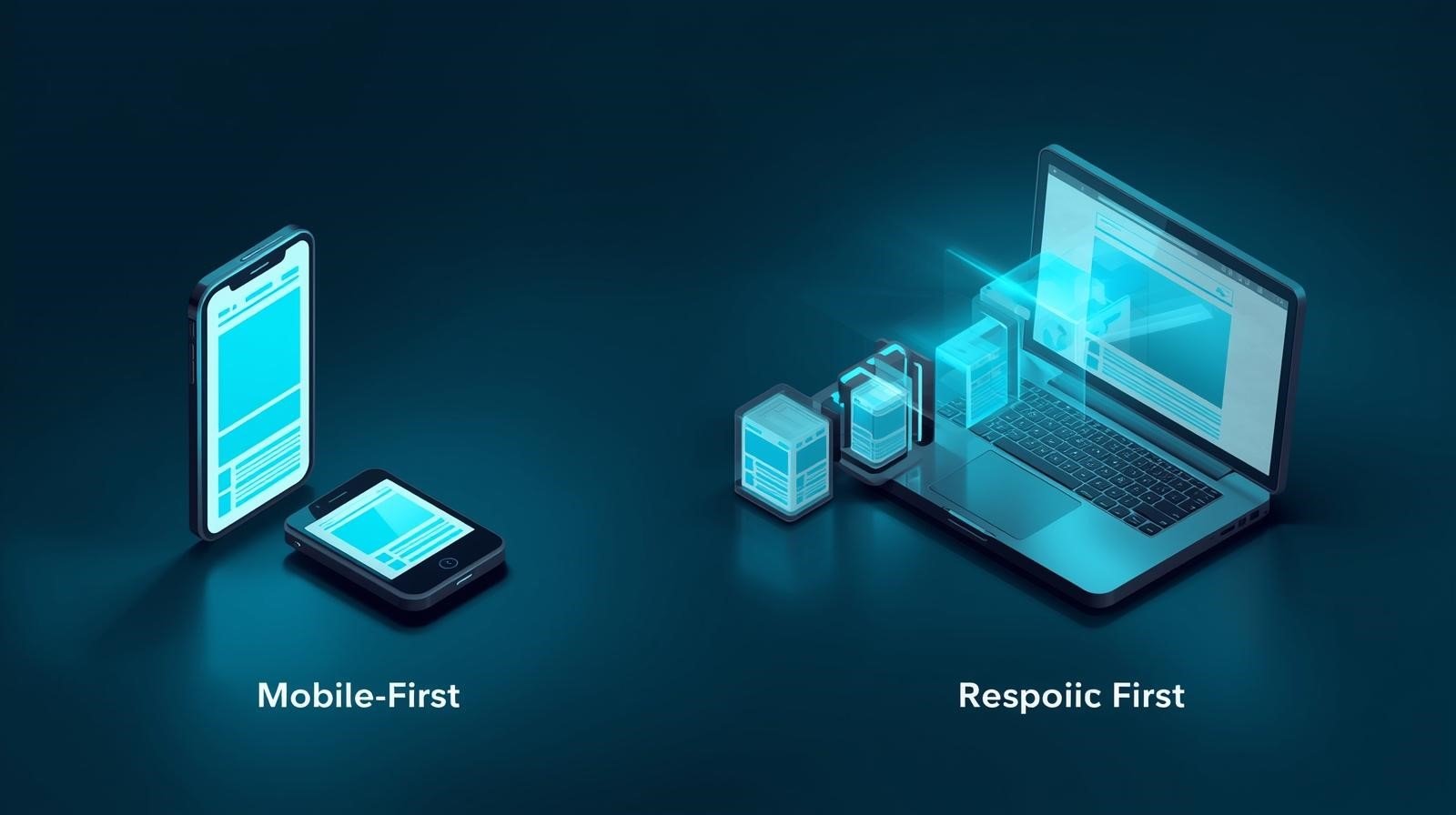
    Responsive Design (Desktop-Down): This approach starts with the most complex version of the site. Developers create heavy assets, complex navigation menus, and intricate hover-effects. They then write extra code to “hide” or “resize” these elements for smaller screens.
    The Result: A phone that is forced to download “desktop-weight” code and then hide 50% of it. This leads to slower load times and cluttered interfaces.

    Mobile-First Design (Bottom-Up): This follows the principle of Progressive Enhancement. We begin with the most restricted environment: the smallest screen, the slowest connection, and the least amount of “real estate.” We prioritize the most essential features and content. As the screen size increases, we add layers of complexity and design.
    The Result: A lean, lightning-fast foundation that is perfectly optimized for the device most of your customers are actually using.

    1. The Performance Mandate: Speed as a Ranking Factor

    Performance is the most compelling reason to abandon traditional responsive design. When a site is designed desktop-down, it carries “technical baggage.” The browser often loads massive high-resolution images or complex JavaScript animations only to have the CSS tell it, “Don’t display this on mobile.”

    In the era of Core Web Vitals for mobile, Google is punishing this bloat. Google’s crawlers use “Mobile-First Indexing,” meaning they look exclusively at how your site performs on a mobile simulator to determine your rank.

    A mobile-first build is inherently faster because the initial code delivery is lightweight. It prioritizes the “Critical Rendering Path”—delivering the text and primary images first so the user can interact with the page while the rest of the site loads in the background.

    2. Designing for the “Thumb-First” Experience

    The desktop user experience (UX) is built on the precision of a mouse and a cursor. The mobile user experience is built on the friction of a thumb.

    Traditional responsive design often fails here because it simply scales down desktop elements. Buttons become too small to tap accurately (causing “fat finger” syndrome), and navigation menus become cramped “hamis” that require too many clicks to explore.

    mobile first web design strategy forces designers to think about ergonomics:

    • The Reach Zone: Important actions (Add to Cart, Contact Us) should be placed in the bottom third of the screen where a user’s thumb naturally rests.
    • Tap Targets: Buttons must be large enough (at least 44×44 pixels) with adequate spacing to prevent accidental clicks.
    • Gesture-Based UI: Swiping and scrolling are more natural on mobile than clicking. Mobile-first designs leverage these gestures rather than trying to replicate a mouse-click environment.

    3. Progressive Enhancement: Building Upward

    When you build for a small screen first, you are forced to engage in “content distillation.” You have to ask: “What is the single most important piece of information the user needs on this page?”

    By stripping away the distractions required for large-screen “fill,” you create a more powerful, direct user experience. Once the core experience is solid on a smartphone, you can then apply adaptive web design benefits to wider screens:

    • On a Tablet: Introduce a sidebar for related content.
    • On a Laptop: Expand the hero image and introduce secondary calls-to-action.
    • On a Ultra-Wide Monitor: Utilize whitespace and multi-column layouts for easier reading.

    The code for the desktop is added only when the browser detects a desktop-sized screen. The phone user never has to touch that extra data.

    4. Why This is Critical for E-Commerce and Conversion

    For businesses utilizing Shopify or custom e-commerce builds, a mobile-first approach isn’t a design choice; it is a revenue necessity. Mobile cart abandonment is significantly higher than desktop abandonment, and it is usually caused by friction in the UI.

    If your checkout process involves five separate pages and twenty form fields that aren’t optimized for auto-fill on mobile, your conversion rate will suffer. Mobile-first design streamlines these processes, implementing features like “One-Tap Buy,” biometric authentication, and simplified forms designed for small-screen inputs.

    5. Technical Implementation: The Tools of 2025

    To execute a mobile-first strategy, our developers at Code Nest utilize modern CSS methodologies and frameworks:

    • Tailwind CSS: Designed with a “mobile-first” utility class system. You write styles for mobile by default and only add prefixes (like lg: or xl:) for larger screens.
    • Container Queries: The evolution of media queries. Instead of just looking at the screen size, we can now tell elements to change based on the size of their parent container, allowing for more fluid, “atomic” design components.
    • SVG Over Raster: We prioritize Scalable Vector Graphics for icons and simple illustrations, ensuring they remain crisp on any screen density without the weight of large PNG files.

    The Competitive Edge: Meeting 2025 Expectations

    Users in 2025 expect an “app-like” experience when they visit a website on their phone. They have zero patience for “responsive” sites that feel like shrunken versions of a big-screen experience.

    If your competitors are still building for the desktop and “adjusting” for mobile, your mobile-first site will be faster, easier to navigate, and higher-ranking in Google. You aren’t just improving your design; you are lowering your customer acquisition costs and building higher brand loyalty.

    Conclusion: Stop Resizing, Start Scaling

    The desktop is no longer the “main” screen. It is one of many destinations. Treating mobile as a secondary concern or a “small version” of your real site is a strategic mistake that limits your growth potential.

    A mobile-first web design strategy ensures that your most vital information and your most important actions are always accessible to your largest audience. By building from the ground up, you eliminate technical debt, improve SEO performance, and create a user experience that converts.

    Is your website still living in a desktop-down world? Contact Code Nest today. Our web architects specialize in mobile-first transitions that help businesses modernize their architecture and recapture their mobile audience.

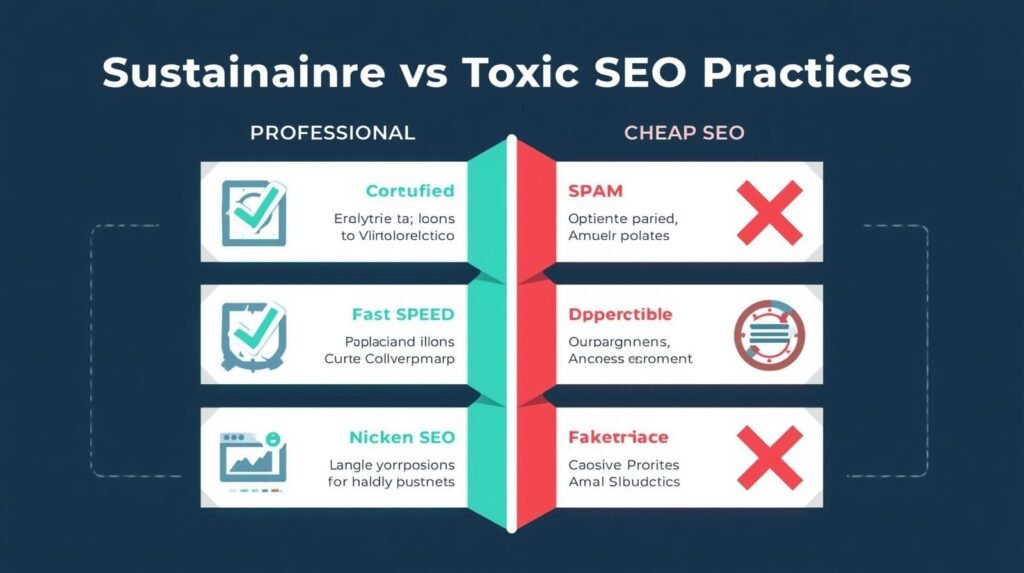
  • Why “Cheap” SEO Services Cost You More in the Long Run

    Why “Cheap” SEO Services Cost You More in the Long Run

    The temptation is easy to understand. As a business owner, you are constantly approached by “consultants” or agencies offering SEO services for $100, $200, or $500 a month. These offers often come with bold promises: “Guaranteed Page 1 Rankings,” “Thousands of Backlinks,” and “Instant Results.”

    If you are running a business with a tight budget, these price points seem like a steal compared to the fees charged by high-tier digital agencies. But in the world of search engine optimization, the old adage remains undefeated: you get exactly what you pay for.

    At Code Nest, we are often hired not to build an SEO strategy from scratch, but to perform “emergency surgery” on a website that has been devastated by a budget provider. By the time we get the call, the client has already lost thousands in potential revenue and spent months in digital invisibility.

    Understanding the risks of cheap seo services is the first step toward building a sustainable, high-growth marketing strategy.

    The Mathematical Impossibility of “Cheap” SEO

    Let’s look at the business logic behind a $200-a-month SEO package. Real, professional SEO requires multiple skill sets: technical developers for site architecture, data analysts for keyword research, expert copywriters for content, and PR professionals for link acquisition.

    A quality, 1,000-word article written by a subject matter expert can cost $150 to $300 alone. A technical audit performed by a senior architect takes several hours of high-value labor.

    If an agency is charging $200 for the entire month, they cannot afford human expertise. Instead, they rely on automation, offshore “link farms,” and low-quality, AI-generated content. You aren’t buying a strategy; you are buying a shortcut. And shortcuts in the eyes of Google are often seen as violations.

    1. The Risk of Permanent Search Engine Penalties

    Google’s algorithms are more sophisticated than ever. They are designed to reward helpful, high-quality websites and punish those trying to game the system. Cheap SEO providers often utilize “Black-Hat” tactics to get quick spikes in rankings.

    These tactics include:

    • Buying Toxic Backlinks: Placing your website link on hundreds of low-quality, spam-filled sites.
    • Keyword Stuffing: Overloading your pages with repetitive terms to the point of unreadability.
    • Private Blog Networks (PBNs): Artificial webs of websites created solely to manipulate search rankings.

    Google’s response to these tactics is swift and brutal. Your site can be hit with a Manual Action, effectively removing your business from search results entirely. Recovering from such a penalty is an expensive, grueling process that can take six months to a year. For most businesses, disappearing from Google for six months is a fatal blow.

    2. Low-Quality Content: Damaging Your Brand Identity

    In a “cheap SEO” model, content is treated as a commodity, not a conversion tool. These agencies often churn out repetitive, nonsensical blog posts that offer no value to your readers.

    Content is the primary way your brand builds trust with a potential customer. If a user clicks on your site and finds poorly written, grammatically incorrect, or unhelpful content, they will leave immediately. This not only destroys your conversion rate but also increases your “Bounce Rate”—a signal to Google that your site is not worth recommending to others.

    At Code Nest, we treat content as your “Digital Salesperson.” It should be authoritative, insightful, and designed to move a lead through the sales funnel. Budget providers produce content for bots; professional agencies produce content for people.

    3. The Structural Toll: “Dirty” Code and Technical Debt

    SEO isn’t just about keywords; it’s about site architecture. Low-cost providers often don’t have the technical expertise to optimize your server settings, JavaScript files, or site speed. Instead, they might install dozens of heavy, poorly coded “SEO plugins” to do the work for them.

    Over time, this creates “Technical Debt.” Your site becomes slow, bloated, and vulnerable to security breaches. By the time a professional team arrives, the site’s foundation is so cluttered with bad code and unnecessary scripts that a total rebuild is often the most cost-effective solution.

    4. Measuring the Wrong Things (Vanity Metrics)

    Budget agencies are experts at distraction. Because they cannot deliver a real Return on Investment (ROI), they focus on “Vanity Metrics.”

    They might show you that you are ranking #1 for a specific keyword that has zero search volume. Or they might report on “Total Impressions,” even if none of those impressions led to a phone call or a purchase.

    Real SEO is about revenue. A professional b2b digital marketing strategy focuses on high-intent keywords—terms your customers use when they are actually ready to buy. Cheap SEO is like buying a billboard in a forest; it doesn’t matter how pretty it is if nobody sees it, and it certainly doesn’t matter if it’s positioned in front of people who don’t buy your product.

    5. The True Cost of “Start Over”

    The greatest risk of cheap SEO services is the opportunity cost. If you spend 12 months with a budget agency, you haven’t just lost your monthly retainer. You have lost 12 months of compounding organic growth that your competitors have claimed.

    When you eventually hire a professional agency to fix the mess, the “entry fee” is significantly higher. The new agency has to perform a toxic backlink audit, disavow spam links, fix the broken technical foundation, and replace “filler” content with high-quality assets. You end up paying double or triple what it would have cost to do it right the first time.

    How to Spot a “Cheap” Agency Trap

    If you are evaluating SEO providers, look out for these red flags:

    1. Guarantees: No one can “guarantee” a #1 ranking. Google’s algorithm is a black box that changes hundreds of times a year.
    2. Bulk Link Offers: If they mention a “package” for 500 links, run away. High-quality link acquisition is a slow, manual outreach process.
    3. Lack of Transparency: If they won’t tell you exactly what they are doing on your site, they are likely using automated tools they don’t want you to see.
    4. No Discovery Phase: A real SEO strategy starts with a deep dive into your business, your competitors, and your sales goals. If they start “doing SEO” without understanding your market, they are using a template.

    Conclusion: Value-Driven SEO

    Search engine optimization is not an expense to be minimized; it is a capital investment. When done correctly, it is the most powerful engine for long-term, compounding business growth.

    At Code Nest, we don’t offer “$99 specials.” We provide deep-form, technical SEO and authority-building content that positions your brand as a leader. We believe that if you’re going to compete on the world’s most crowded stage—the Google search results page—you need an elite team behind you.

    Tired of promises that lead to nowhere? Contact Code Nest today for a transparent, data-driven SEO audit. Let’s build a foundation that generates real revenue for the long haul.