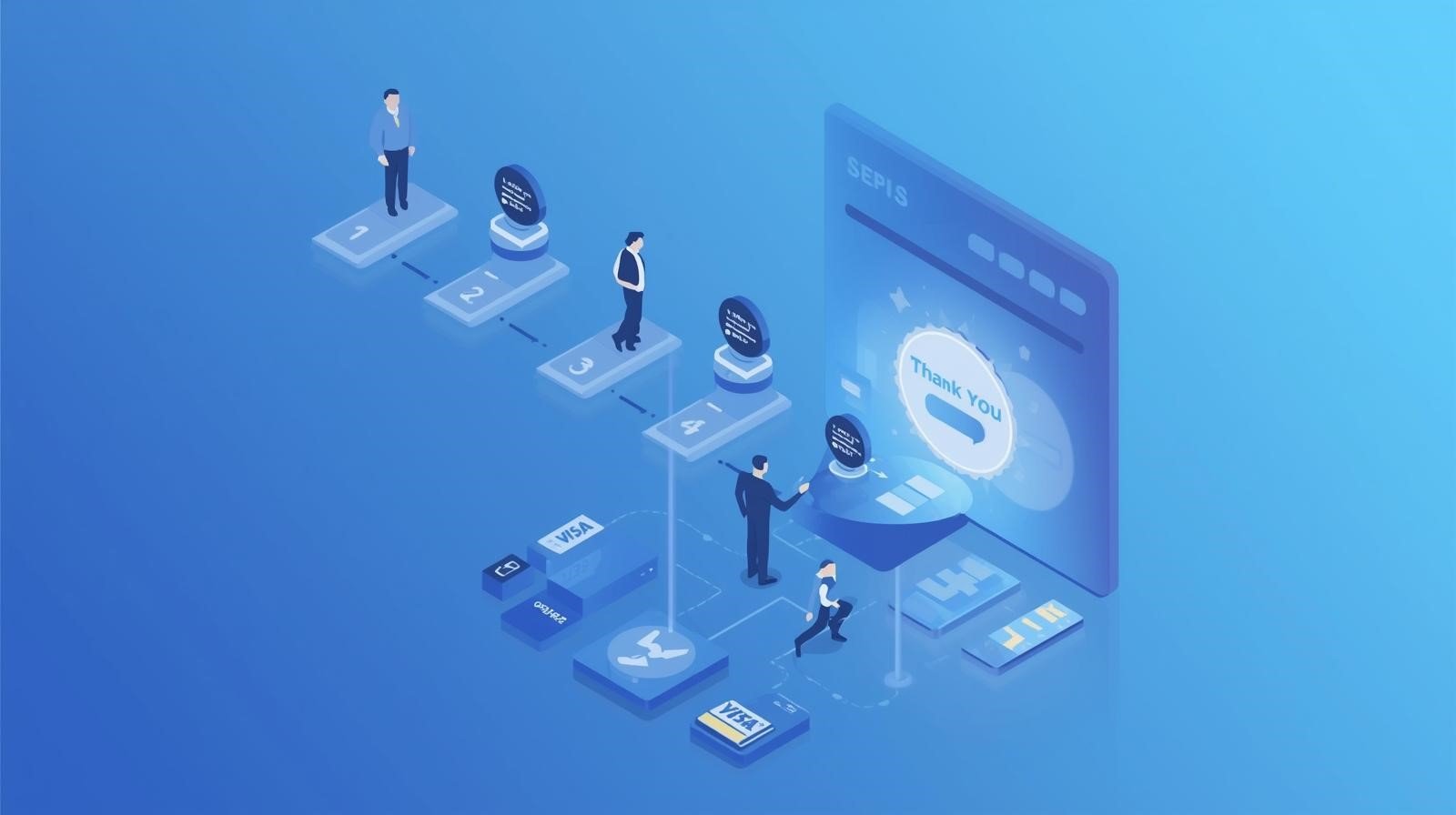
The most expensive lead in e-commerce is the one that reaches your checkout page but doesn’t finish the transaction. You have already paid for their acquisition through SEO or PPC, your UI has successfully guided them through product discovery, and they have expressed clear intent by adding an item to their cart.
Yet, industry data consistently shows that nearly 70% of online shoppers abandon their carts at the final hurdle.
When a shopper drops off at the finish line, it is rarely because they suddenly stopped wanting the product. Instead, it is almost always due to “friction”—technical, psychological, or logistical barriers that make it easier to close the tab than to complete the purchase. At Code Nest, we view the checkout flow as a high-precision engineering task. To reduce ecommerce cart abandonment, you must transition from a “one-size-fits-all” approach to a streamlined, frictionless environment that respects the user’s time and builds immediate trust.

1. Eliminating “Price Shock” with Transparency
The number one reason for abandonment at the final stage is the discovery of hidden costs. When a user sees a price of $50 on a product page but realizes the total is $72 once shipping, taxes, and handling fees are added in the final step, they feel deceived.
This “price shock” is a psychological deal-breaker. To optimize this, the most successful brands implement transparency throughout the funnel:
- Early Shipping Estimators: Allow users to calculate shipping on the product or cart page before reaching the final checkout.
- Threshold Indicators: Use progress bars that show “Spend $10 more for Free Shipping.” This turns a cost-negative situation into an incentive.
- Tax Inclusivity: If possible for your region, show tax-inclusive pricing early so the final number doesn’t move significantly at the “Place Order” step.
2. The Case for the “Mandatory Guest Checkout”
One of the greatest mistakes an e-commerce brand can make is forcing a user to create an account before they can pay. While capturing customer data for long-term marketing is valuable, demanding it during a first-time purchase creates a massive barrier to entry.
A buyer on a smartphone, perhaps waiting in a queue or traveling, does not want to confirm an email address, verify a password, and navigate three “onboarding” screens just to buy a pair of socks.
Implementing a robust guest checkout option is non-negotiable for any brand looking to reduce ecommerce cart abandonment. You can always offer the user the option to save their details and create an account after the purchase is confirmed. At that point, their resistance is gone because the transaction is already secured.
3. Frictionless Payment: The Rise of One-Click Solutions
The physical effort of typing 16-digit credit card numbers on a mobile screen is a conversion killer. If a user has to get up and find their wallet to finish a purchase on your site, there is a high probability they won’t return to the screen.
Frictionless payment integration is about meeting the user where their digital wallets already live. This includes:
- Mobile Wallets: Integration with Apple Pay and Google Pay allows users to authenticate with a thumbprint or Face ID in seconds.
- Shopify Optimization: If you are on Shopify, leveraging Shop Pay is perhaps the single most effective move you can make. Shop Pay speeds up checkout by 4x, providing a verified, secure shortcut for millions of global users.
- Buy Now, Pay Later (BNPL): Services like Klarna or Affirm reduce “purchase guilt” and allow users to commit to higher-ticket items with less immediate financial friction.
4. Reducing Cognitive Load: Simplified Form Design
A checkout page should be the most minimalist part of your entire website. This is not the place for header navigation, social media icons, or related product cross-sells (which can be handled better after the payment is processed).
We follow a strategy of “Linear Focus.” By removing all exits from the checkout page, you keep the user’s cognitive load strictly on the task at hand. Furthermore, your form design should follow these technical best practices:
- Address Autocomplete: Integrate APIs (like Google Maps) that suggest the user’s address after the first few keystrokes. This prevents typos and saves significant time.
- Field Inline Validation: Don’t wait until the user hits “Submit” to tell them their credit card number is wrong or a field is empty. Use real-time validation to show a green checkmark as they go.
- Auto-Detection: The system should automatically detect card types (Visa, Mastercard, etc.) and optimize the numeric keypad for phone number and zip code inputs on mobile.
5. Building Trust Through “Authority Symbols”
As the user reaches the final payment stage, a switch in their brain flips from “excitement” to “risk.” They are about to hand over hard-earned money and personal data to your server. If they have the slightest doubt about your site’s security, they will bounce.
You must reassure them using “Authority Symbols” positioned strategically near the payment buttons:
- Trust Badges: Display recognizable security logos (SSL, Norton, McAfee).
- Visible Support: A simple “Need Help? Chat Now” or a visible phone number provides a safety net. It reassures the user that there is a real business standing behind the technology.
- Clear Refund Policies: A simple link or sentence stating “30-Day Money Back Guarantee” removes the fear of buyer’s remorse.
6. The Performance Variable: Checkout Speed
In high-volume e-commerce, latency is directly correlated with lost revenue. If your checkout page takes five seconds to load after a user clicks “Proceed to Checkout,” the momentum is lost.
At Code Nest, we focus on technical optimization to ensure the transition to the checkout environment is instant. This involves:
- Optimizing Server-Side Scripts: Reducing the time it takes for your database to calculate shipping rates or discount codes.
- Clean Liquid/Next.js Code: Ensuring that your Shopify theme or custom frontend isn’t loading unnecessary CSS or JS trackers during the payment phase.
7. Strategic Retargeting for the “Incomplete” Checkout
Even with the world’s most optimized checkout, some abandonment is inevitable. A phone call rings, a child needs attention, or a Wi-Fi signal drops. This is where your post-abandonment strategy begins.
If you have captured an email address through an “Early Capture” form, your abandoned cart email sequence should trigger within one hour. Don’t lead with a discount; lead with helpfulness. Ask if there was a technical problem, show a picture of the item they left behind, and provide a direct link that reconstructs their cart so they can finish the task in one click.

Conclusion: Refining the Path to Purchase
Optimization is not a “set-and-forget” project. To effectively reduce ecommerce cart abandonment, you must constantly monitor your analytics for specific drop-off points. Is the mobile bounce rate higher than the desktop? Is one specific shipping region seeing more abandonment than others?
A frictionless checkout is the ultimate expression of respect for your customer. By removing hidden costs, simplifying forms, and integrating modern payment solutions, you turn a stressful logistical process into a smooth, rewarding conclusion to the shopping journey.
Are your sales stalling at the finish line? Contact Code Nest today. Our e-commerce optimization team will perform a comprehensive audit of your checkout flow to find and fix the leaks in your revenue funnel.
Leave a Reply